WhatsApp number migration, changing provider without losing the number
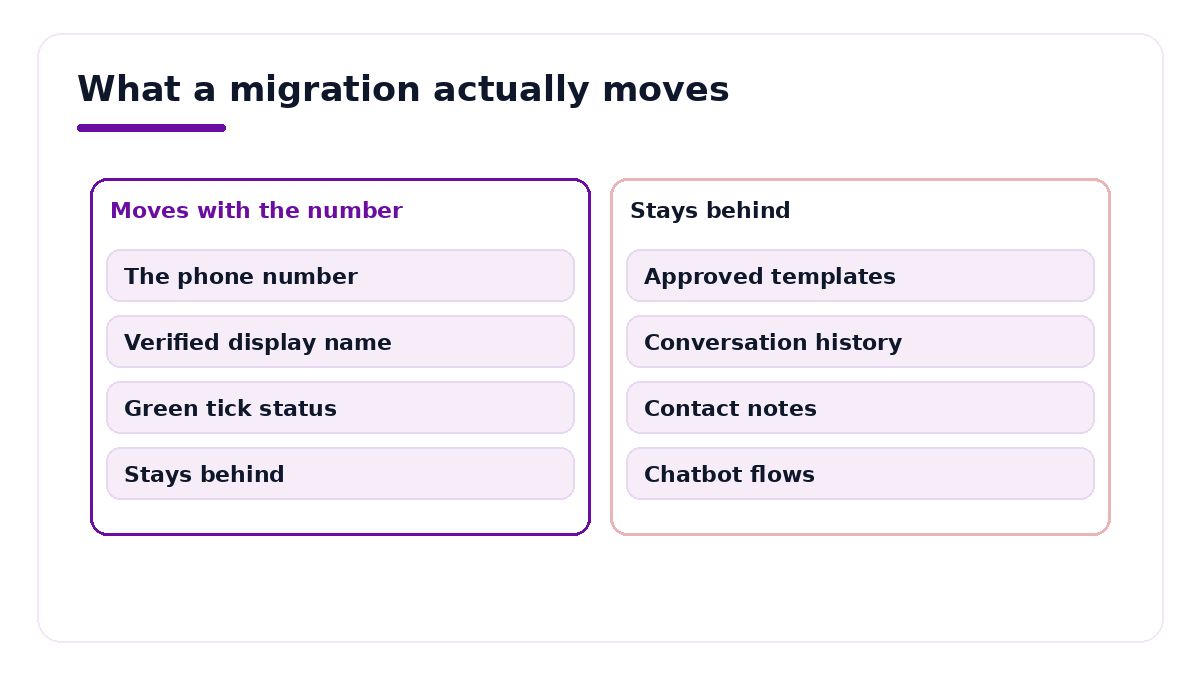
Table of Contents
What WhatsApp number migration actually moves
Less than people assume, and that is the root of most migration trouble. A WhatsApp number migration moves the number and the display name. It does not move your conversation history, your contact notes or your automation.
Your number can sit on exactly one WhatsApp Business Account at a time. That single constraint explains every awkward part of the process, including the downtime.
Work out what you are leaving behind before you start, because after the cutover the old platform is read-only at best and closed at worst.
What a WhatsApp number migration leaves behind
Asset | Moves with the number | What to do about it |
|---|---|---|
Phone number | Yes | Nothing, this is the migration |
Verified display name | Yes, usually | Confirm the exact string matches |
Green tick status | Usually retained | Verify after cutover, not before |
Approved templates | No | Resubmit on the new platform in advance |
Conversation history | No | Export before you give notice |
Contact notes and tags | No | Export, and check the format is readable |
Chatbot flows | No | Rebuild, and budget real time for it |
Webhook integrations | No | Re-point every consumer |
In a WhatsApp number migration the two that cause real damage are conversation history and templates. History is often only exportable while the account is active, so asking for it after you have given notice is the wrong order.
Templates are the other one. You can submit them on the new platform before the number arrives, which removes approval time from the critical path entirely.
How to move a waba to a new provider, step by step
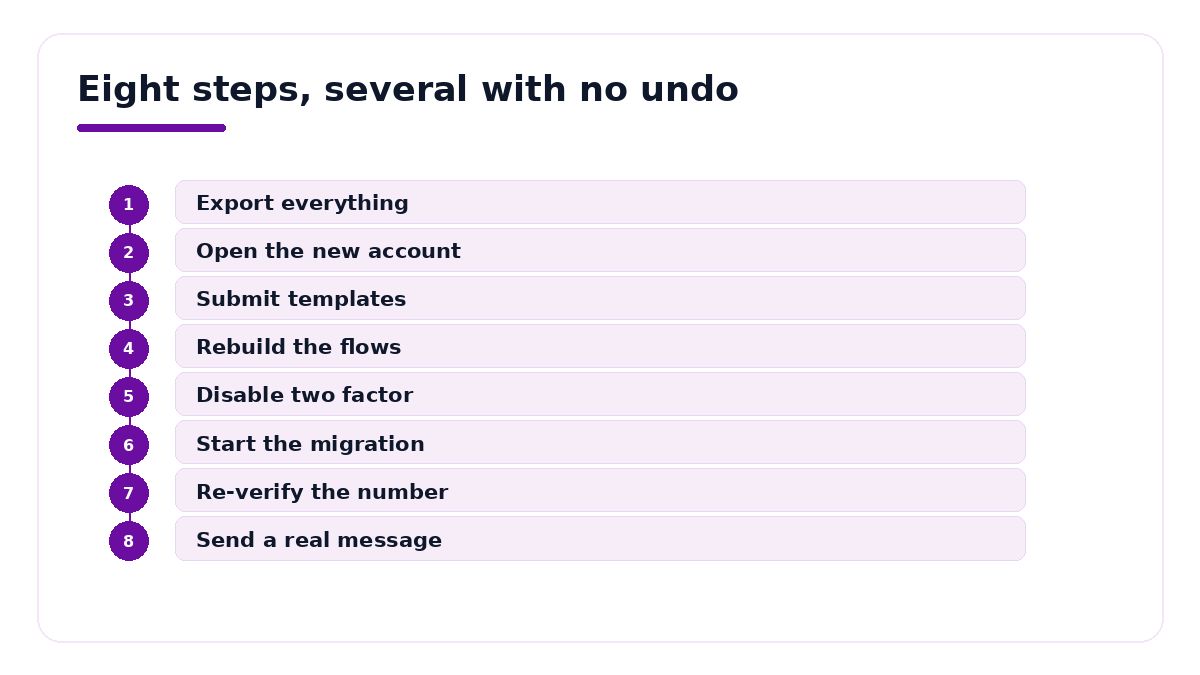
To move a waba to a new provider the sequence matters more than any individual step. Several of these cannot be undone once begun.
Export everything first. History, contacts, notes and template text, while the old account is live
Open the new account. And submit every template for approval before cutover
Rebuild the flows. On the new platform, tested against a spare number
Confirm two-factor is disabled. A number with 2FA set cannot be moved
Start the migration. The number detaches from the old WABA at this point
Re-verify the number. Via SMS or voice, which needs somebody at the handset
Re-point every webhook. Including internal scripts nobody wrote down
Send a real message. End to end, before you tell anyone it is done
Step four is the one that catches people. Two-factor authentication on the number blocks the migration and the error message is not always clear about why.
The number is unreachable between steps five and six. That is the downtime, and its length depends mostly on how quickly somebody enters the verification code.
How long WhatsApp number migration downtime really is
Minutes if you have prepared, hours if you have not. The migration itself is quick. What stretches it is discovering a missing approval or an unreachable verification handset at the moment of cutover.
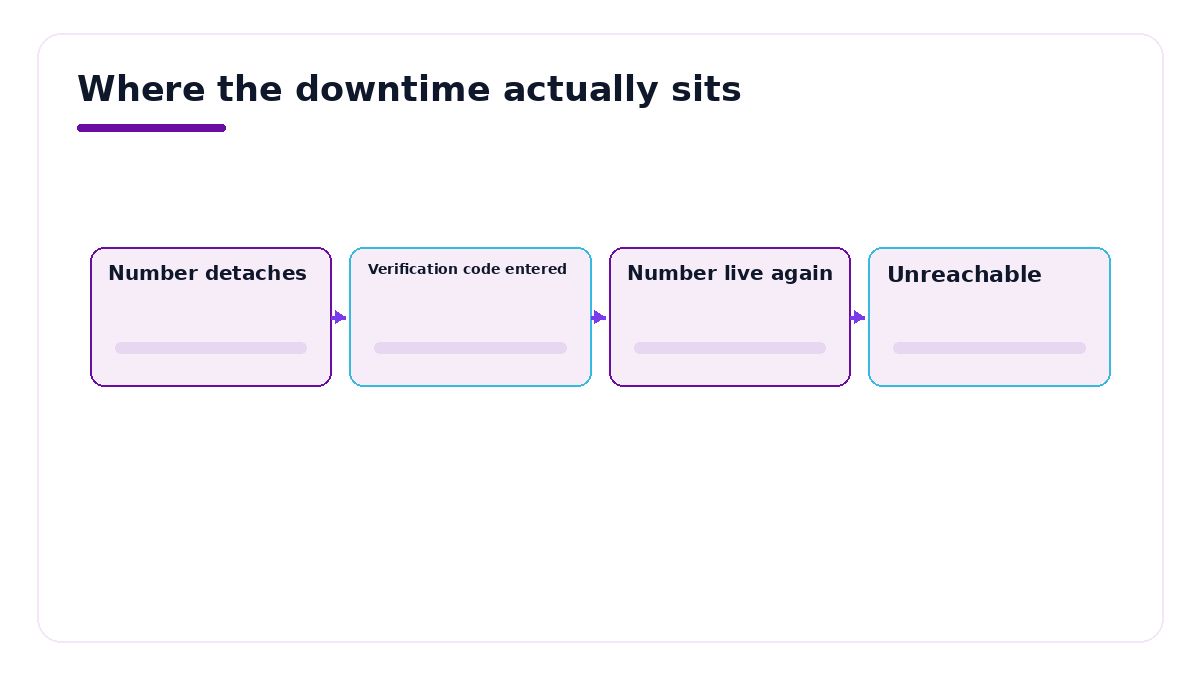
Pick the window deliberately. The right time is the trough in your own inbound volume, which for most Indian businesses is early morning on a weekday rather than the weekend.
Have the handset in the room. With somebody who can read the verification code
Have templates pre-approved. So nothing waits on review during the window
Have the webhook list ready. Written down, not remembered
Have a rollback position. Know what you do if verification does not arrive
Announce the window internally. The support team needs to know why the inbox is silent, and the sales team needs to stop campaigns before it starts, not during it.
Can you port a whatsapp api number back if it goes wrong
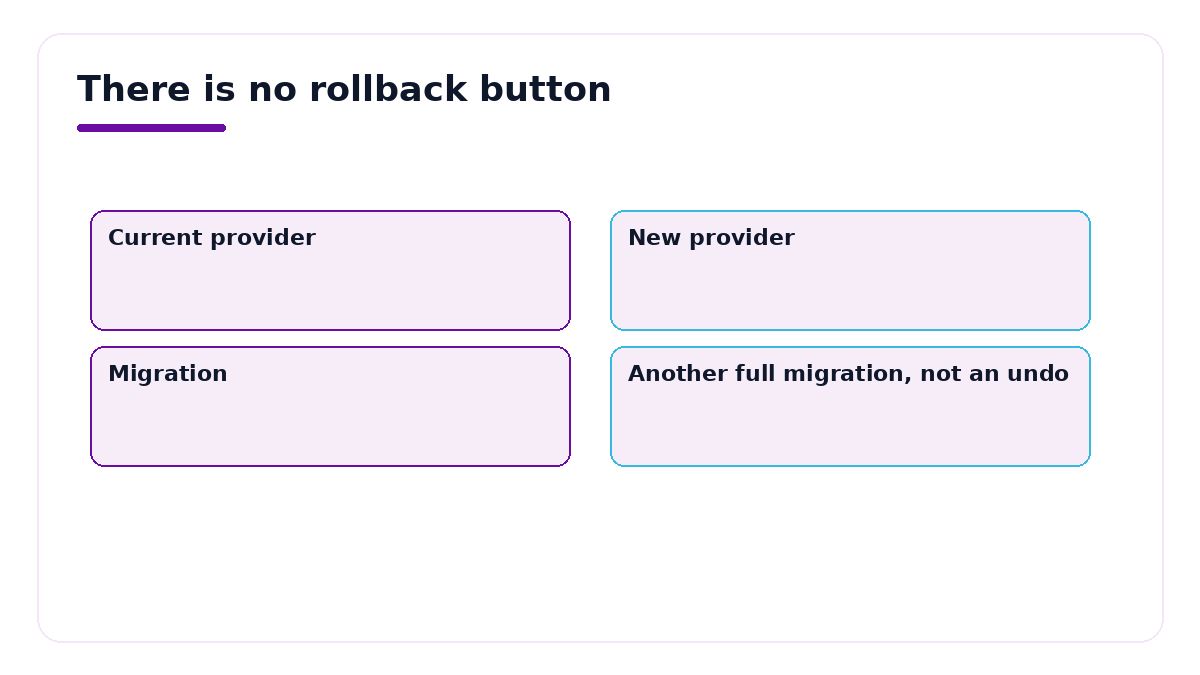
Yes, but it is another full migration rather than an undo. To port a whatsapp api number back you repeat the entire sequence in the other direction, with the same downtime and the same verification step.
That is why the rollback position matters. There is no button that reverses the move, and the old provider may have begun closing the account.
Keep the old account open for a stated period after cutover. A month is reasonable, and the cost of that month is small against the cost of discovering a missing export afterwards.
Also keep the exported data somewhere other than the new platform until you have confirmed the new platform is working. An export that only exists inside the thing you are testing is not a backup.
What happens to the green tick
The verified display name usually survives a WhatsApp number migration, but it is verified after the move rather than guaranteed before it.
The display name string has to match exactly. A business that shortened its name on the new platform, even by a word, is submitting a new name for review rather than carrying one across.
Check it the day after cutover, not the hour after. Status propagation is not instant, and a missing tick an hour in is usually just a missing tick an hour in.
WhatsApp blue tick verification covers the current rules, and WhatsApp quality rating covers the other status that travels with the number.
Questions to ask the new provider before you start
A WhatsApp number migration exposes how good a provider is at the unglamorous part of the job. These five answers tell you most of what you need to know.
Who does the migration? Their engineer, or you following a document
What is the stated downtime? In minutes, in writing
Will you pre-approve templates? Before the number arrives, not after
What import formats do you accept? For history, contacts and notes
What is the rollback plan? And who pays for the second migration
A provider who cannot answer the fifth has not done many of these. The migration is routine, but the recovery is where experience shows.
Related reading: choosing a CPaaS provider in India, the WhatsApp API setup guide, integrations and WhatsApp Business API.
Meta documents the account-level rules on its phone number documentation. For what the new platform should give you afterwards, see WhatsApp chatbot, WhatsApp live chat and WhatsApp campaign analytics, and for the commercial side pricing and CPaaS solutions.
Where to start with Celitix
Send us your current template list and your webhook consumers. We will come back with the migration sequence, a stated downtime window in minutes, and what we will pre-approve before your number ever detaches.
Get your migration sequence in writingCommon questions
Will I lose my WhatsApp number when changing provider?
No, the number moves. What does not move is your conversation history, contact notes, chatbot flows and approved templates, so export everything while the old account is still live rather than after you give notice.
How long is the downtime during a WhatsApp number migration?
Minutes if you have prepared, hours if you have not. The number is unreachable between detaching from the old account and completing re-verification, and the length depends mostly on how fast somebody enters the verification code.
Do approved templates transfer to the new provider?
No. Templates are resubmitted on the new platform. Submit them before the number arrives so approval time is off the critical path, because a campaign scheduled against a missing template fails quietly.
Does the green tick survive a migration?
Usually, but it is verified after the move rather than guaranteed before it, and the display name string has to match exactly. Check the day after cutover, not the hour after, because status propagation is not instant.
Can I move back if the migration goes wrong?
Only by running another full migration in the other direction, with the same downtime. There is no undo, so keep the old account open for about a month and keep your exports outside the new platform until it is proven.