WhatsApp campaign analytics, the four numbers that mean something
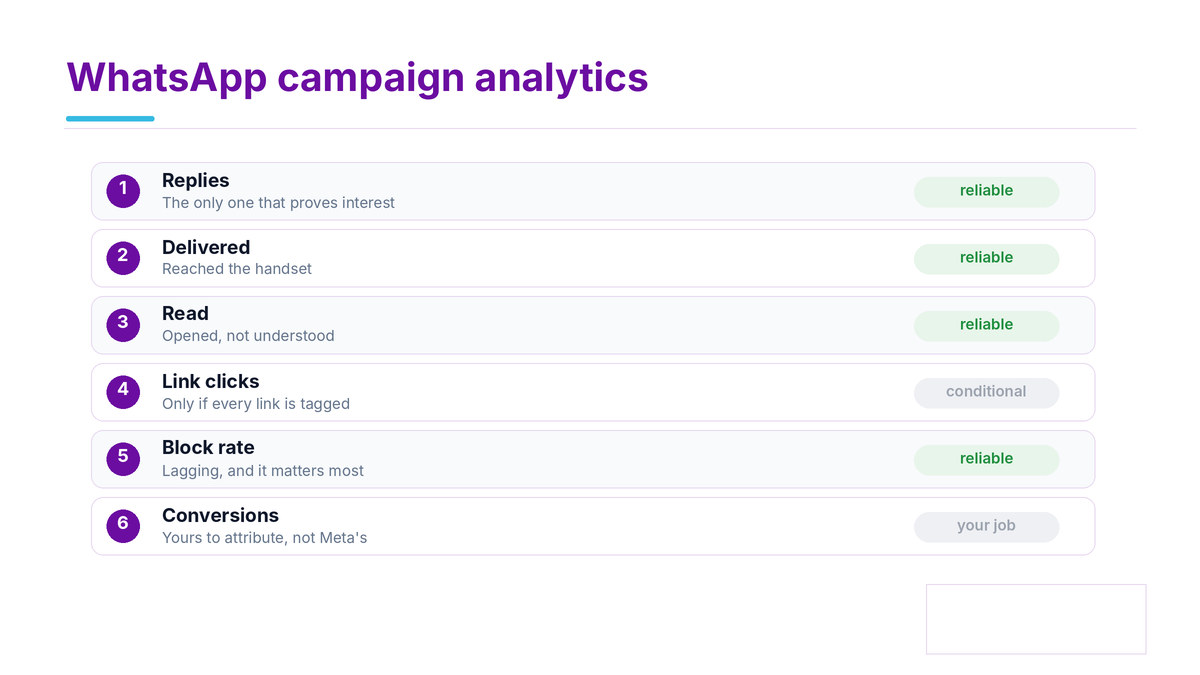
Table of Contents
Most WhatsApp campaign analytics measures the wrong things
Open any platform's reporting and the headline is delivery rate. It is the easiest number to produce and it tells you almost nothing, because on WhatsApp delivery rate is usually high and flat.
Useful WhatsApp campaign analytics answers a different question: did this message change anything, and did it cost less than what it changed. Very few dashboards get near that.
The six WhatsApp campaign analytics numbers, ranked
Metric | What it tells you | Worth tracking |
|---|---|---|
Cost per category | How much of the bill is marketing versus utility | Yes, this is the lever |
Block rate | How fast you are burning the number | Yes, it gates everything else |
Link click rate | Whether the message moved anyone | Yes, the first real signal |
Reply rate | Whether a conversation started | Yes, and it opens a service window |
Read rate | Whether the message was opened, where receipts are on | Partly, see below |
Delivery rate | Whether Meta accepted and delivered it | Only as an alarm, not a result |
The split between the top four and the bottom two is the whole of good WhatsApp campaign analytics. Delivery rate belongs on a monitoring alert, not in a monthly report.
Why delivery rate misleads
WhatsApp delivers reliably to an opted in list. A campaign showing ninety nine percent delivery and no clicks has failed, but the report looks excellent. Treat a drop in delivery as a fault to investigate, never as a measure of success.
WhatsApp read rate tracking, and its ceiling
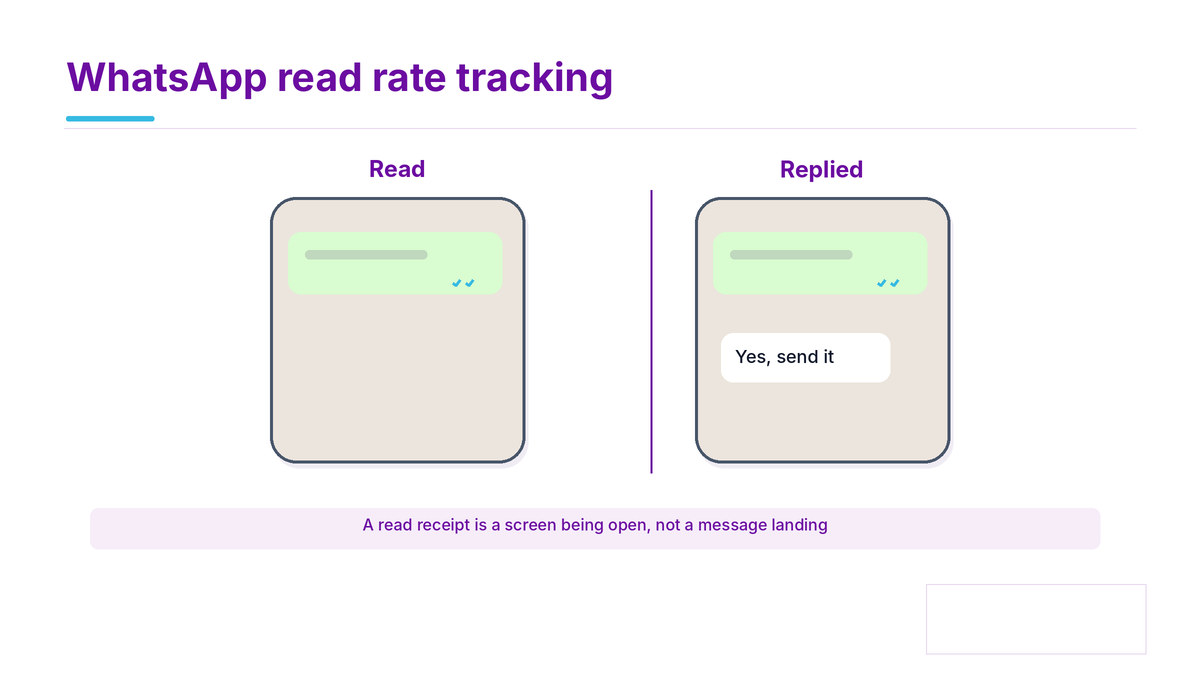
Read status comes from the blue ticks, documented in Meta's business policy alongside what a template may contain, and WhatsApp read rate tracking inherits a limit most reports do not mention: a recipient can switch read receipts off.
One grey tick. Sent to WhatsApp's servers
Two grey ticks. Delivered to the handset
Two blue ticks. Read, but only if that person has receipts enabled
So your read rate has a floor it can never cross, and that floor is set by your audience rather than your message. Compare read rate against your own trailing average for the same audience, never against a published benchmark.
If a number matters more than that, use click rate. A click is unambiguous and nobody can switch it off.
Campaign performance tracking WhatsApp, end to end
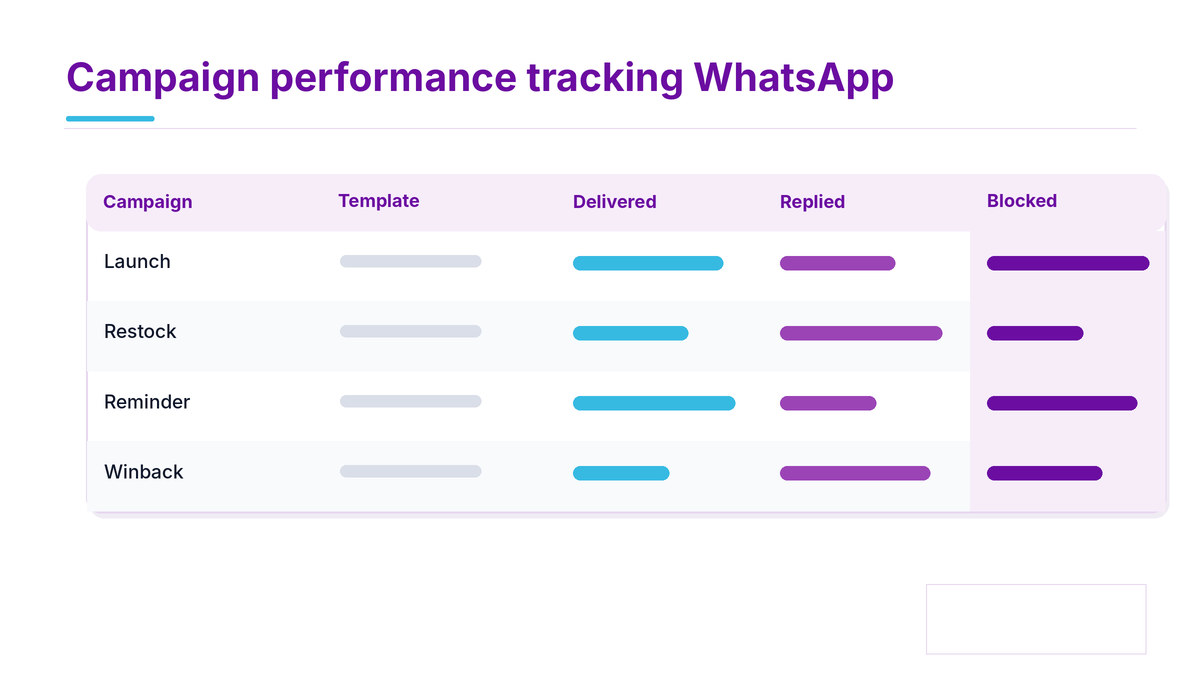
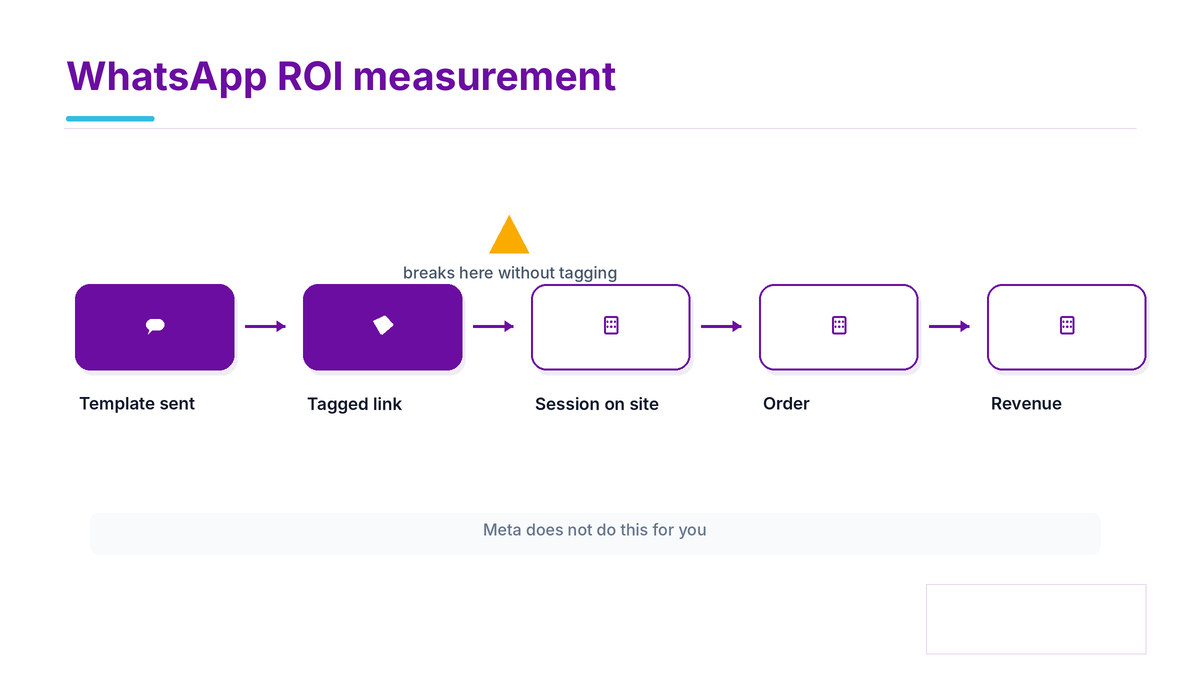
In WhatsApp campaign analytics the only chain you can follow all the way is the link. Campaign performance tracking whatsapp works by instrumenting it properly and then reading your own analytics, not the messaging platform's.
Sent and delivered. Platform data, and the limit of what the platform knows
Link clicked. Platform or redirect data, the handover point
Session started. Your own analytics, tagged by campaign
Converted. Your own order or CRM data, reconciled against the category rates you paid
Tag every link with a campaign parameter before the first send. Retro fitting attribution after a campaign has run is not possible, and the number you produce afterwards will be a guess.
The DLT and template constraint
Any URL in a template has to be whitelisted, shortened links included. If you add tracking parameters later and the URL no longer matches the approved template, the message is blocked at the gateway. Plan the parameter structure before the template goes in, not after.
Where the numbers come from, and who owns them
Half the frustration with WhatsApp campaign analytics is not knowing which system holds which number.
Number | Held by | Can you export it |
|---|---|---|
Sent, delivered, read | The messaging platform | Usually, ask about the API and retention period |
Cost by category | The platform's billing side | Often only as an invoice, which is not the same thing |
Block rate and quality rating | Meta, surfaced by the platform | Rarely as history, so record it yourself weekly |
Clicks, sessions, orders | You | Yes, and this is the half that proves anything |
The third row catches people out. Quality rating history is often not retained anywhere, so if you want to show that a change improved it, you need your own weekly record from the start.
What a messaging analytics dashboard should actually show
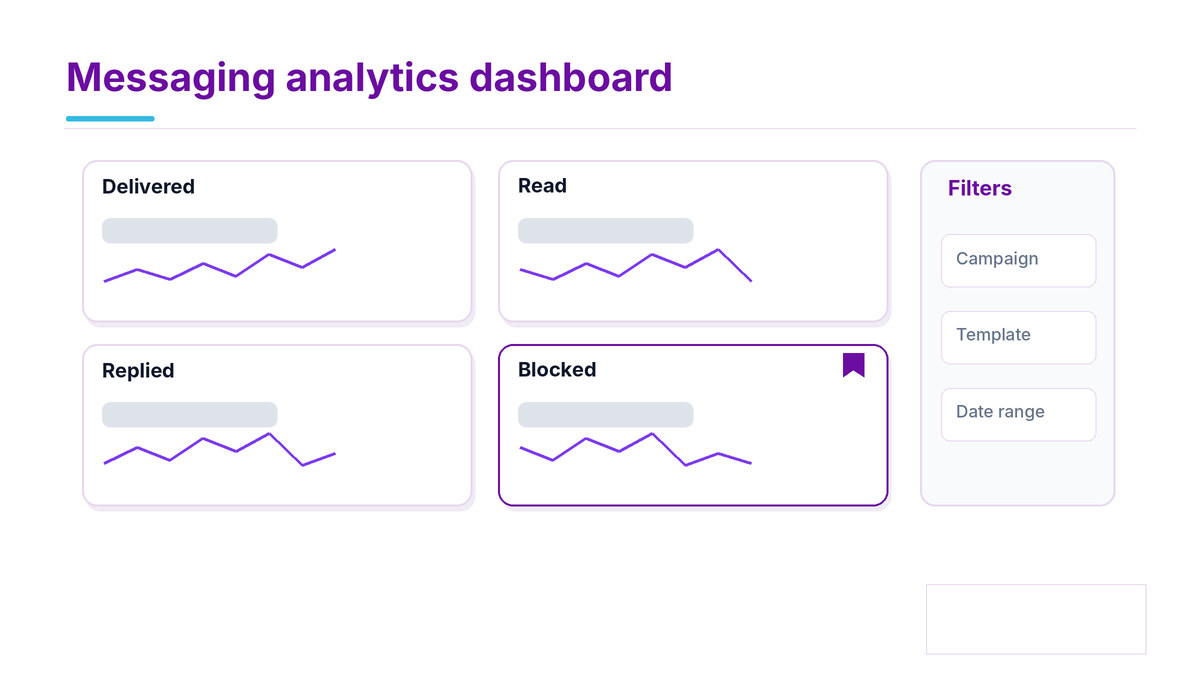
Four panels. If a WhatsApp campaign analytics dashboard has more than that it is usually padding.
The delivery funnel. Sent, delivered, read where available, clicked, replied, all on one row
A per template table. Because performance lives at template level, not campaign level
Cost by category. Marketing against utility, since that is where the money goes
Quality rating and block rate. The early warning that the account is in trouble
Quality rating is the one most dashboards leave out, and it is the one that stops you sending at all. See quality rating for what moves it.
WhatsApp ROI measurement, the sum WhatsApp campaign analytics exists for
The WhatsApp campaign analytics sum is simple and most teams never do it, because the cost side is scattered across a bill and the outcome side sits in another system.
On the cost side: marketing messages, utility messages, any platform fee, and the staff time spent answering replies. The category split is explained in our WhatsApp API conversation pricing guide.
On the outcome side there are usually two, and the second is the one people forget:
Orders attributed through the tagged link to your own order data
Support contacts avoided, which is what order updates and appointment reminders actually buy
For a business sending mostly utility messages the second outcome is the whole return. Counting only attributed orders will make a profitable programme look like a cost centre.
A WhatsApp campaign analytics cadence that works
Daily, automated: block rate and quality rating, alerting only on a change
Weekly: cost by category and per template click rate
Monthly: the ROI sum, including support contacts avoided
Common questions
What should WhatsApp campaign analytics track first?
Is WhatsApp read rate tracking reliable?
How does campaign performance tracking WhatsApp handle attribution?
What belongs on a messaging analytics dashboard?
What is missed most in WhatsApp ROI measurement?
Where to start with Celitix
Celitix reports cost split by category rather than one blended figure, shows performance per template, and pushes block rate and quality rating where you will see them.
Before committing to any provider, our buyer's guide sets out what to get in writing.
Ask Celitix for a category split report