Whatsapp quality rating, what moves it and how to get it back to green

There is one number in WhatsApp Manager that decides how many people you can reach tomorrow. Most teams never look at it until the day it stops them sending.
Your whatsapp quality rating is not a vanity metric. It is the input to your sending limit, and it is built almost entirely from what your customers do with your messages.
What is on this page
What the whatsapp quality rating actually measures
Whatsapp messaging limits explained
Whatsapp tier upgrade requirements
Reduce whatsapp block rate, the five things that work
Whatsapp template quality score, managed per template
A weekly routine that keeps it green
What to do when it turns yellow
Common questions
Key takeaways
Quality is built from recipient feedback - blocks and reports - not from your content being judged.
Green, yellow and red are a warning system. Yellow is the moment to act, not red.
Limits are about unique customers you start conversations with per day, not total messages.
Tier upgrades need healthy quality plus consistent volume. Sudden jumps look like abuse.
Template quality is tracked per template, so one bad campaign does not have to poison everything.
What the whatsapp quality rating actually measures
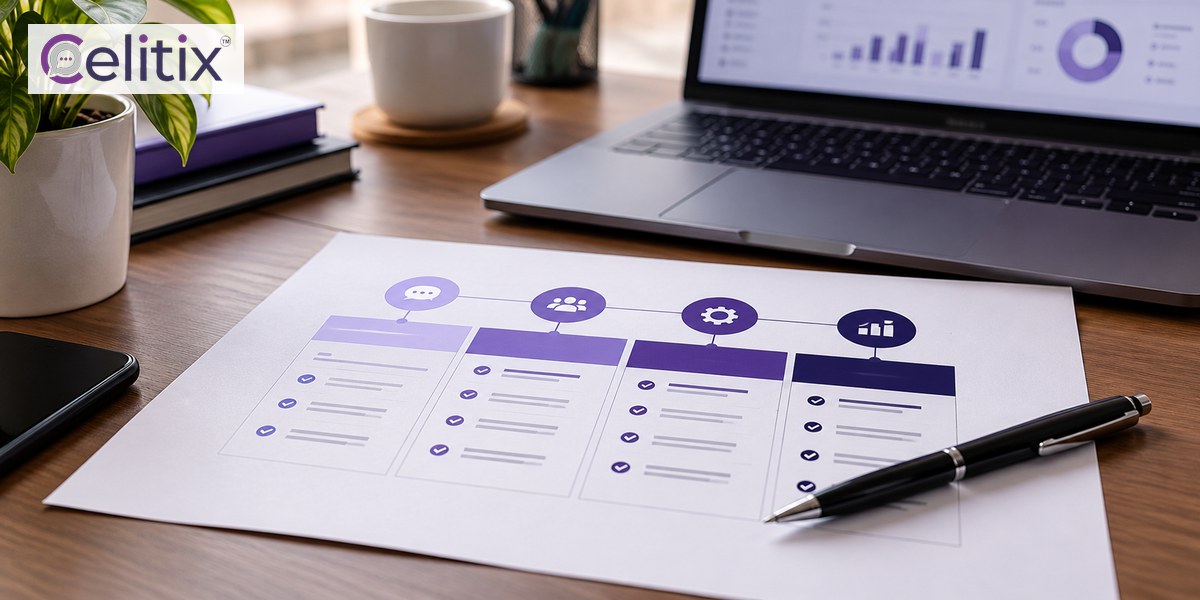
The whatsapp quality rating is calculated from how recipients react over a rolling window of recent days. It is a feedback score rather than a content score, which is a distinction worth holding on to.
Blocks - the strongest negative signal there is.
Reports - weighted heavily, because a report is deliberate.
Lack of engagement - messages that are never read or replied to.
Opt outs - less damaging than a block, and far better for you.
Because the window rolls, your whatsapp quality rating falls fast after one bad campaign and recovers over days of better behaviour. Nothing you do today moves it this afternoon.
Where to find it
Open WhatsApp Manager, go to the phone numbers list and read the quality column against each number. It is per number, not per business account, so a single bad number does not condemn the rest.
Whatsapp messaging limits explained
With whatsapp messaging limits explained properly, most of the confusion disappears. The limit counts unique customers you start a conversation with in a rolling 24 hours. It does not count replies to customers who messaged you first.
Business initiated conversations are counted. Campaigns and notifications both land here.
Customer initiated conversations are not. Support replies are effectively unlimited.
The window rolls. It is not a calendar day reset at midnight.
Hitting the limit does not ban you. Further sends simply fail until the window moves.
That distinction matters operationally. A support team answering a thousand customers a day uses none of the limit, while a single campaign to five thousand people uses all of it at once.
Whatsapp tier upgrade requirements
The whatsapp tier upgrade requirements are two conditions held at the same time, and people usually satisfy only one.
Quality must be healthy. A yellow or red rating blocks an upgrade regardless of volume.
Volume must grow consistently. You move up by using a meaningful share of your current tier over several days.
Business verification must be complete. An unverified business cannot progress past the lower tiers.
Trying to force the whatsapp tier upgrade requirements by sending a huge burst does the opposite. A sudden jump from low volume to maximum volume looks like a compromised account, and the usual result is a restriction rather than an upgrade.
Grow in steps over a week or two. A healthy whatsapp quality rating with steady growth gets you there faster than any burst.

Reduce whatsapp block rate, the five things that work
Everything above traces back to one behaviour, so the practical work is to reduce whatsapp block rate. These five do most of it.
Only message people who opted in, and keep the record of when and where.
Make the first message obviously relevant. Name the order, the item or the appointment.
Cap frequency per customer across all channels, not per channel.
Make opting out one tap and honour it the same hour. An opt out is far cheaper than a block.
Send inside waking hours. A 1am message gets blocked rather than read.
The fourth point is the one teams resist and the one that pays most. Every customer who opts out instead of blocking is a customer who did not damage your whatsapp quality rating.
Segment before you send
A generic message to your whole list will always produce more blocks than a specific message to a tenth of it. To reduce whatsapp block rate at campaign level, send less to fewer people more often rather than everything to everyone.
Whatsapp template quality score, managed per template
Separate from the account, each template carries its own whatsapp template quality score. This is useful, because it isolates the damage.
Scored individually - one poor performer does not drag the others down.
Can be paused automatically if quality falls far enough.
Visible in WhatsApp Manager next to each approved template.
Reset by editing - a materially rewritten template starts fresh.
Check the whatsapp template quality score before blaming the account. Often one badly worded campaign template is producing all the blocks while the transactional ones are perfectly healthy.
A weekly routine that keeps it green
Five minutes a week prevents almost every limit problem.
Open WhatsApp Manager and read the quality column for every number.
Check template quality and note anything that has slipped.
Look at opt out counts from the past week against sends.
Compare current volume against your tier ceiling.
Act on yellow immediately. Do not wait to see whether it recovers.
What to do when it turns yellow
A yellow whatsapp quality rating is a warning with sending still working, which makes it the cheapest moment to fix anything.
Pause marketing campaigns the same day. Keep transactional traffic running.
Find the template responsible using the per template score.
Cut frequency in half for a week.
Clean the list - remove anyone who has not engaged in months.
Wait. The window rolls, and the whatsapp quality rating recovers on its own once feedback improves.
What does not work is sending more to prove the account is healthy. That is how yellow becomes red.
Common questions
How often does the rating update?
It is calculated on a rolling window of recent days, so it moves continuously rather than on a schedule. Changes you make show up within days, not hours.
Does a low rating stop me sending completely?
Not immediately. It usually reduces your tier first, which cuts how many new conversations you can start per day. Continuing to send badly after that is what leads to a block.
Do customer replies count against my limit?
No. The limit applies to conversations you start. A support team answering inbound messages all day uses none of it.
Can I see which template caused the drop?
Yes. Template quality is tracked individually in WhatsApp Manager, so you can usually identify the specific template producing the blocks rather than guessing.
Does my provider affect the rating?
No. It is based on recipient feedback to your messages. A provider can surface the data and advise, but the rating responds to what you send and who you send it to.
Where to start with Celitix
Keeping a healthy whatsapp quality rating is mostly about consent, segmentation and frequency, which is easier on one platform than across three. Celitix runs the WhatsApp Business API with WhatsApp chatbot, WhatsApp live chat and CRM integrations on one shared customer record.
Add bulk SMS, RCS business messaging and two way SMS on the same CPaaS platform so frequency is capped per customer rather than per channel. If sending has already stopped, the recovery steps are here, and pricing will size it against your volume.
WhatsApp publishes its own business platform information if you want it from source: WhatsApp Business.
Book a free Celitix demo