Disabled whatsapp api account, how to diagnose it and get sending again
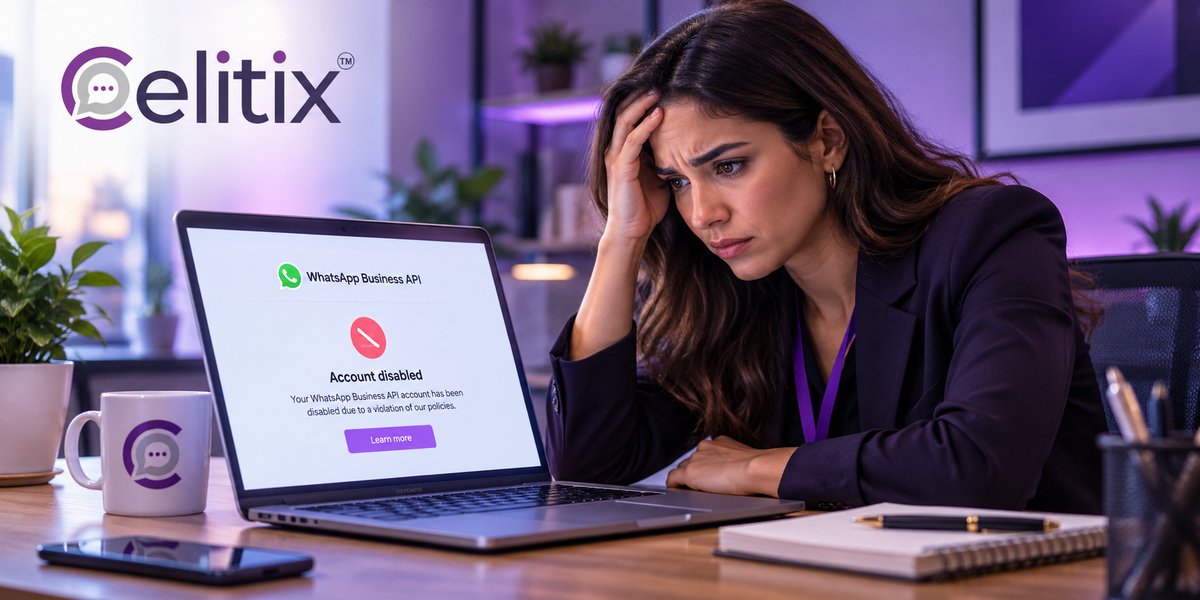
Your campaign stopped sending at eleven in the morning. No error you recognise, no warning the day before, and the support queue is filling up with customers who never got their order update.
A disabled whatsapp api account is the worst kind of outage because nothing is broken on your side. There is nothing to restart. Here is what to do, in order.
What is on this page
First, work out what actually happened
Disabled whatsapp api account, the four states and what each means
Whatsapp api account restricted, what you can still do
Why whatsapp bans business numbers
Whatsapp business account appeal process, step by step
Whatsapp account quality rating, the number behind all of this
What to do while you wait
How to not be here again
Common questions
Key takeaways
Check which is affected first - the phone number, the WhatsApp account or the whole business account. The fix differs.
Restricted is not the same as disabled. Restricted usually means a sending limit, and it often clears itself.
Appeal once, with specifics. Repeated identical appeals do not speed anything up.
Almost every ban traces back to blocks and reports from recipients, which means consent and content.
Have an SMS fallback configured before you need it. Set up during an outage, it is already too late.
First, work out what actually happened
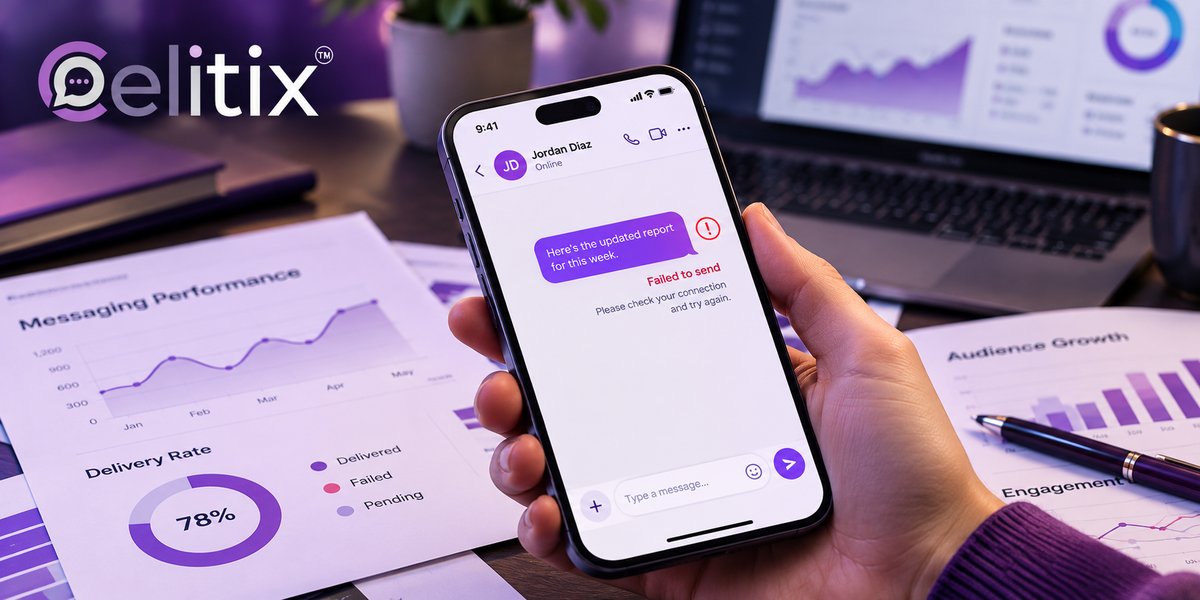
Before touching anything, find out which layer is affected. A disabled whatsapp api account can mean four different problems with four different routes out, and guessing wastes the hours that matter most.
Open WhatsApp Manager and look at the phone number list. A flag on one number is a very different problem from a flag on the account.
Check Meta Business Manager for a business verification or policy notice sitting above everything else.
Read the exact wording. Restricted, flagged, disabled and banned are different states, not synonyms.
Check your provider dashboard. Occasionally the problem is billing or a provider side suspension, not Meta at all.
That fourth check saves more time than people expect. An unpaid invoice and a disabled whatsapp api account look identical from the outside, and only one of them needs an appeal.
Disabled whatsapp api account, the four states and what each means
The states are not interchangeable, and knowing which one you are in tells you whether to wait or to act.
Flagged - quality has dropped and you are being watched. Sending continues. This is a warning, and it is the cheapest moment to fix things.
Restricted - your sending limit has been cut, often back to a lower tier. Messages still go, just fewer of them.
Disabled - the number cannot send at all. This is where an appeal belongs.
Banned - the business account is gone, usually for a policy violation rather than quality.
Most people who say they have a disabled whatsapp api account are actually flagged or restricted. That is good news, because both recover without an appeal if you change what you are sending.
Whatsapp api account restricted, what you can still do
A whatsapp api account restricted to a lower tier is still a working account. The limit applies to how many unique customers you can start conversations with in a rolling day.
Replies still work. Customers who message you can be answered without touching the limit.
Prioritise by value. Spend the remaining quota on transactional messages, not campaigns.
Pause marketing entirely. Continuing is what turns restricted into disabled.
Watch the quality indicator daily. It moves on a rolling window, so improvement shows up within days.
Being whatsapp api account restricted is a correction, not a punishment. Send less and send better for a week and the tier usually comes back on its own.
Why whatsapp bans business numbers
Understanding why whatsapp bans business numbers is the only way to stop it recurring. In almost every case the trigger is the recipient, not an algorithm reading your content.
Blocks and reports. Customers tapping block is the single biggest signal. Everything else is secondary.
Messaging without consent. Purchased lists and scraped numbers generate blocks immediately.
Marketing sent as utility. A promotional sentence inside an order template is a policy issue, not a style one.
Prohibited categories. Some sectors cannot use the platform at all. Check before you build.
Volume jumps. Going from two hundred messages a day to twenty thousand overnight looks exactly like a compromised account.
That last one catches legitimate businesses during festive season. Ramp volume over days rather than in one step, and the pattern looks like growth instead of abuse.
Whatsapp business account appeal process, step by step
The whatsapp business account appeal process is short, and the quality of what you write matters more than how many times you write it.
Open WhatsApp Manager and find the affected number or account.
Use the Request review link shown on the notice itself rather than a generic contact form.
State specifics. What you send, to whom, how consent was collected and where it is stored.
Say what has changed. An appeal that promises nothing different rarely succeeds.
Submit once and wait. Reviews typically take a few days.
What makes an appeal work
Evidence. Describe your opt in point, your message frequency and the template categories you use. A whatsapp business account appeal process that reads as a complaint about unfairness performs worse than one that reads as an operations summary.
What makes it fail
Repeated identical submissions, blaming your provider, or asking for reinstatement without naming a single change. If you genuinely do not know what caused it, say so and describe your sending instead of guessing.
Whatsapp account quality rating, the number behind all of this
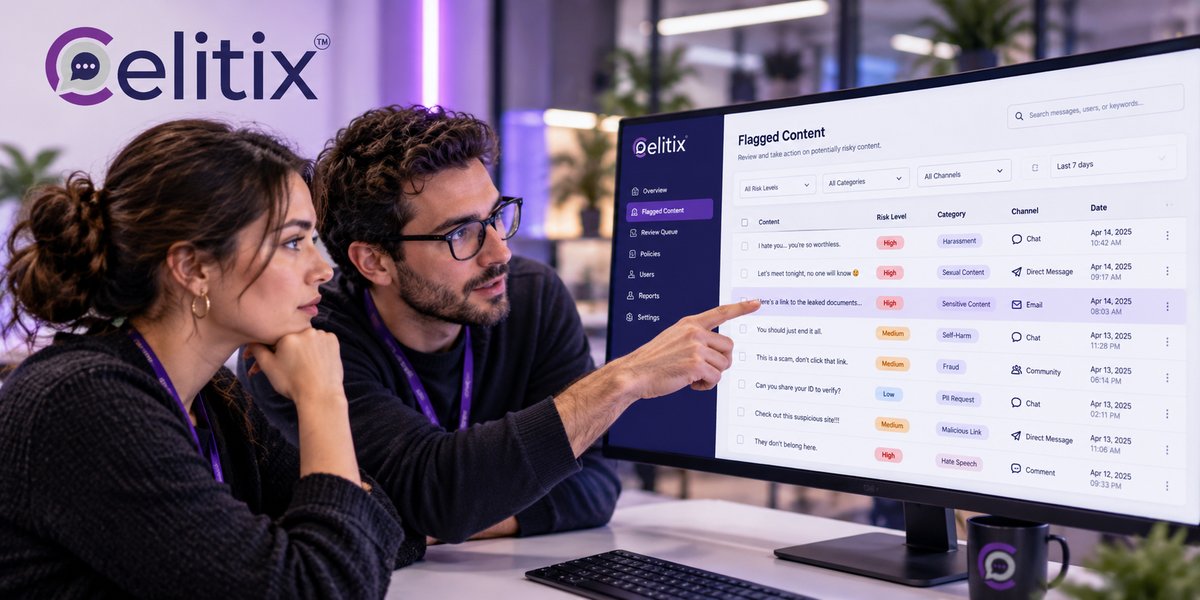
Your whatsapp account quality rating is the signal every one of these states derives from. It is calculated from recipient feedback over a rolling window, which is why it can fall quickly and recover slowly.
Green - healthy. Nothing to do except keep doing it.
Yellow - recipient feedback has worsened. Act now, while sending still works.
Red - a limit or a block is coming. Pause marketing immediately.
Checking the whatsapp account quality rating once a week takes a minute and prevents almost every disabled whatsapp api account situation described on this page. Most teams only look at it after the outage.
What to do while you wait
An appeal takes days. Your customers will not wait that long, so route around the problem.
Switch transactional traffic to SMS. Order and delivery updates must keep flowing.
Tell your support team. They will get asked why the WhatsApp thread went quiet.
Do not register a second number and carry on. That reads as evasion and risks the business account.
Pause every campaign. Including the ones scheduled for next week.
A disabled whatsapp api account is survivable if another channel is already configured. It is a genuine crisis if WhatsApp was the only way you reached customers.
How to not be here again
Prevention is four habits, none of which take long.
Record consent properly - where, when and what they agreed to receive.
Make opting out one tap and honour it the same hour.
Keep marketing and utility separate in both templates and categories.
Check quality weekly and treat yellow as urgent rather than informational.
Common questions
How long does a review take?
Usually a few days, though it varies. Submitting the same appeal repeatedly does not speed it up and can work against you. Submit once, with specifics, then wait.
Can I just use a different number?
Do not. Registering a new number to continue the same sending reads as evasion and risks the whole business account rather than one phone number.
Will my message templates survive?
Usually yes. Templates sit at the business account level, so a number level restriction does not normally delete them. A business account ban is different.
Does my provider control any of this?
No. Quality and enforcement are decided by Meta. A good provider can tell you what they see and help you write the appeal, but cannot reverse the decision.
Is a low quality rating permanent?
No. It is calculated on a rolling window, so it recovers once recipient feedback improves. Send less and send better and it moves within days rather than months.
Where to start with Celitix
Recovering from a disabled whatsapp api account is easier when another channel is already running. Celitix sets up bulk SMS and RCS business messaging alongside the WhatsApp Business API on one CPaaS platform, so transactional traffic keeps moving during a review.
Consent and template categories are handled at onboarding, with two way SMS, WhatsApp chatbot, WhatsApp live chat and CRM integrations on the same customer record. See the WhatsApp API setup guide for onboarding, financial services for a regulated example, and pricing to size it.
WhatsApp publishes its own help centre if you want the policy wording from source: WhatsApp Help Centre.
Book a free Celitix demo