WhatsApp product catalog api, which API you are actually calling

Table of Contents
The WhatsApp product catalog api is the commerce API, not a WhatsApp one
Upload products via WhatsApp api, the two WhatsApp product catalog api routes
WhatsApp catalogue api limits on the WhatsApp product catalog api
What to build into a WhatsApp product catalog api integration on day one
The WhatsApp product catalog api is the commerce API, not a WhatsApp one
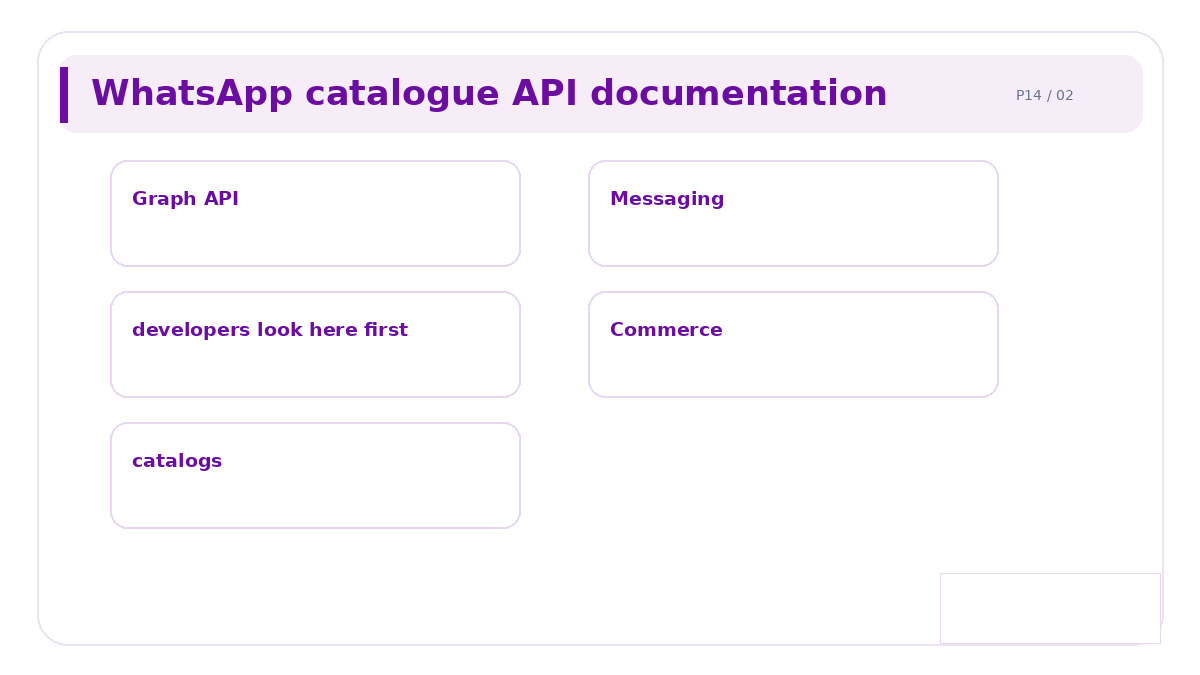
The first thing to get straight, because it is why the documentation is hard to find. There is no separate catalogue service inside WhatsApp. The WhatsApp product catalog api is the Meta Graph API's commerce catalogue, and the WhatsApp Business account simply reads from a catalogue you attach to it.
So the integration is a three layer job. Your store or PIM is the source of truth, the Meta commerce catalogue is the middle layer your code writes to, and WhatsApp reads the middle layer. You never write products into WhatsApp directly.
WhatsApp catalogue api documentation, where it lives
Under commerce, not messaging. Developers lose a morning looking in the WhatsApp Cloud API reference for endpoints that are not there.
The catalogue and product endpoints sit in the Graph API commerce documentation
The attach step, connecting a catalogue to a WhatsApp Business account, is in the Cloud API reference
Sending a product message is a messaging endpoint, so that part is where you expected it
Treat those as three separate pieces of reading rather than one guide. The non developer view of the same setup is in WhatsApp catalog integration.
Upload products via WhatsApp api, the two WhatsApp product catalog api routes
Batch API calls | Hosted feed | |
|---|---|---|
Freshness | As fast as you call | As fast as the fetch schedule |
Build effort | Higher, you handle retries | Lower, generate a file |
Error visibility | Per item, in the response | Per row, in a report you must go and read |
Suits | Live stock, frequent price moves | Stable ranges, nightly updates |
Pick on the third row as much as the first. With batch calls you find out immediately which item failed and why. With a feed, a malformed row is rejected quietly and you discover it when a customer asks why a product is missing.
Use both, in most real builds
A nightly feed for the full range and batch calls for price and stock on your top sellers. That combination gets you freshness where it matters without writing a full sync engine.
WhatsApp catalogue api limits on the WhatsApp product catalog api
Four separate ceilings, and they are documented in different places.
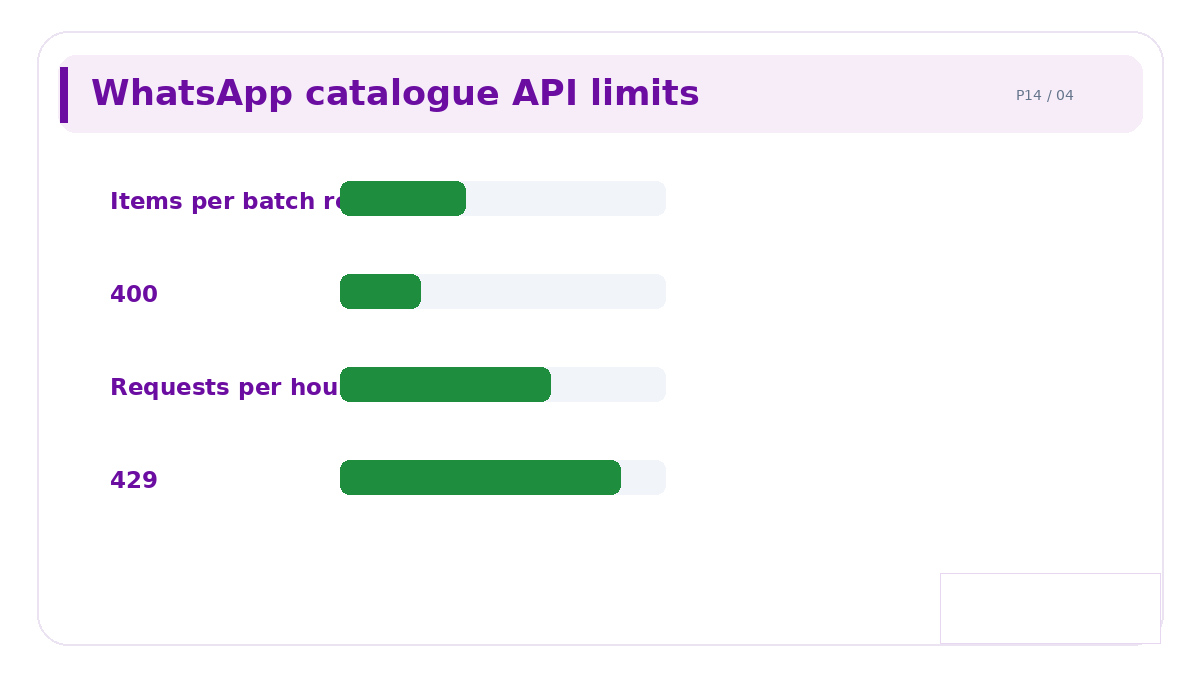
Items per batch request. Chunk your writes, and make the chunk size a config value rather than a constant
Requests per hour. Back off on a 429 and respect any retry after header rather than retrying immediately
Total catalogue size. A ceiling exists, but the usable limit is far lower, because nobody browses thousands of items in a chat
Image fetch timeouts. Meta fetches your product images from your URLs, so a slow image host fails products that are otherwise valid
The fourth catches people out because it does not look like an API problem. Your request succeeded, the product exists, and it shows without an image. Check your image URLs respond quickly to an unauthenticated request from outside your network.
Validate before you blame the API
Required fields are strict. A missing availability or condition field rejects an item while the surrounding items succeed, so read the per item response rather than the overall status code.
WhatsApp product set api
This is the part most WhatsAppproduct catalog api builds skip, and it is where the curation problem gets solved properly.
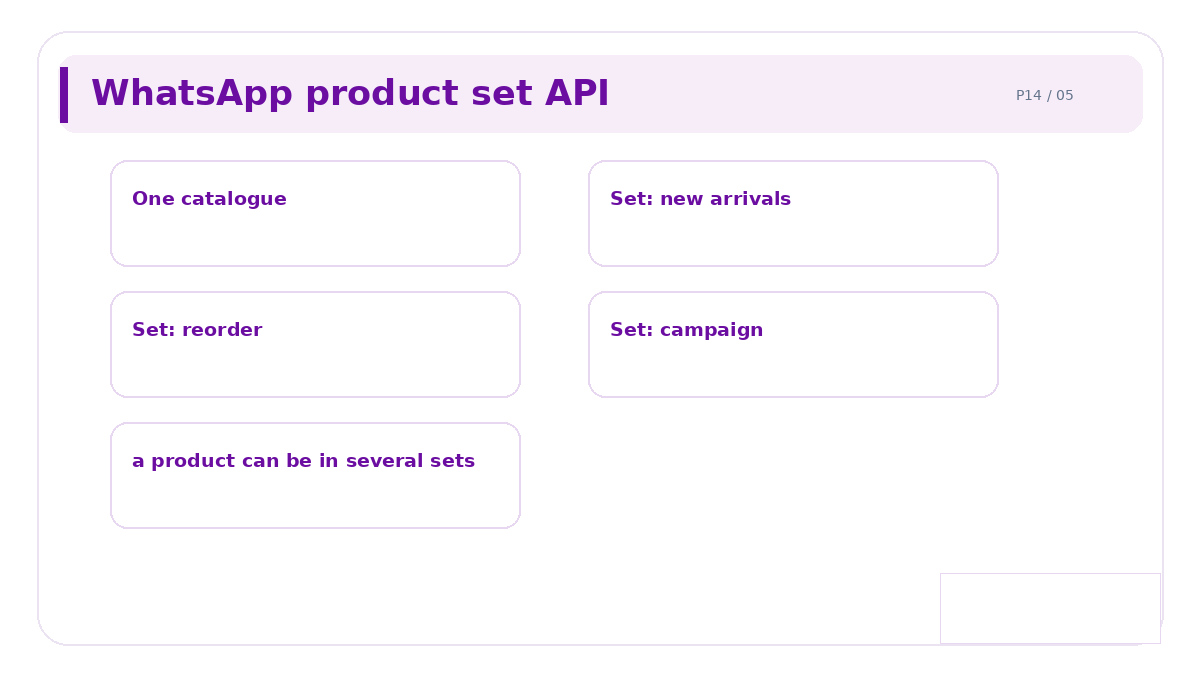
A product set is a named subset of one catalogue. You hold your full range in a single catalogue and expose different sets to different audiences, rather than maintaining several catalogues.
One catalogue, many sets. A product can belong to several sets at once
Define sets by filter where the API allows it, so new products join automatically
Use sets per campaign, so a seasonal push shows twenty items rather than two thousand
Keep a default set for anyone arriving without campaign context
Sets are the right answer to the WhatsApp product catalog api size problem. Curating by deleting products from the catalogue is the wrong one, because the deletions have to be undone later and the history is gone.
What to build into a WhatsApp product catalog api integration on day one
A one way sync from your source of truth, not two way, because two sources of truth means neither is
Per item error logging, with the item ID and the exact reason
A reconciliation job that compares counts between your store and the catalogue daily
An alert when the mismatch exceeds a threshold you set
The reconciliation job is the one nobody builds and everybody needs. Silent drift between your store and the catalogue is the normal failure mode, and without a daily count comparison you learn about it from a customer.
The wider stack is in the conversational commerce platform guide, and what you may list at all in selling products on WhatsApp.
Common questions
Is the WhatsApp product catalog api part of the Cloud API?
Where is the WhatsApp catalogue api documentation?
Should I upload products via WhatsApp api or a feed?
What are the WhatsApp catalogue api limits?
What is the WhatsApp product set api for?
Where to start with Celitix
Celitix runs the sync, logs per item failures with the reason, and reconciles counts against your store daily rather than waiting for a customer to notice.
Ask Celitix about your catalogue sync