Real time messaging analytics, three numbers and a kill switch

Table of Contents
Only three numbers justify real time messaging analytics
Most messaging metrics are better read the next morning. Our campaign analytics guide covers which numbers matter at all. This post is narrower: which of them are worth watching live, and which are theatre in real time.
Watch live | Read tomorrow |
|---|---|
Delivery failure rate | Read rate |
Send rate against your daily limit | Reply rate |
Block rate on a large send | Conversions and revenue |
The test for real time messaging analytics is simple. A number belongs on a live dashboard only if there is an action you would take in the next ten minutes because of it. Read rate has no such action, so watching it live is an expensive way to feel informed.
Live campaign monitoring WhatsApp, and the one decision
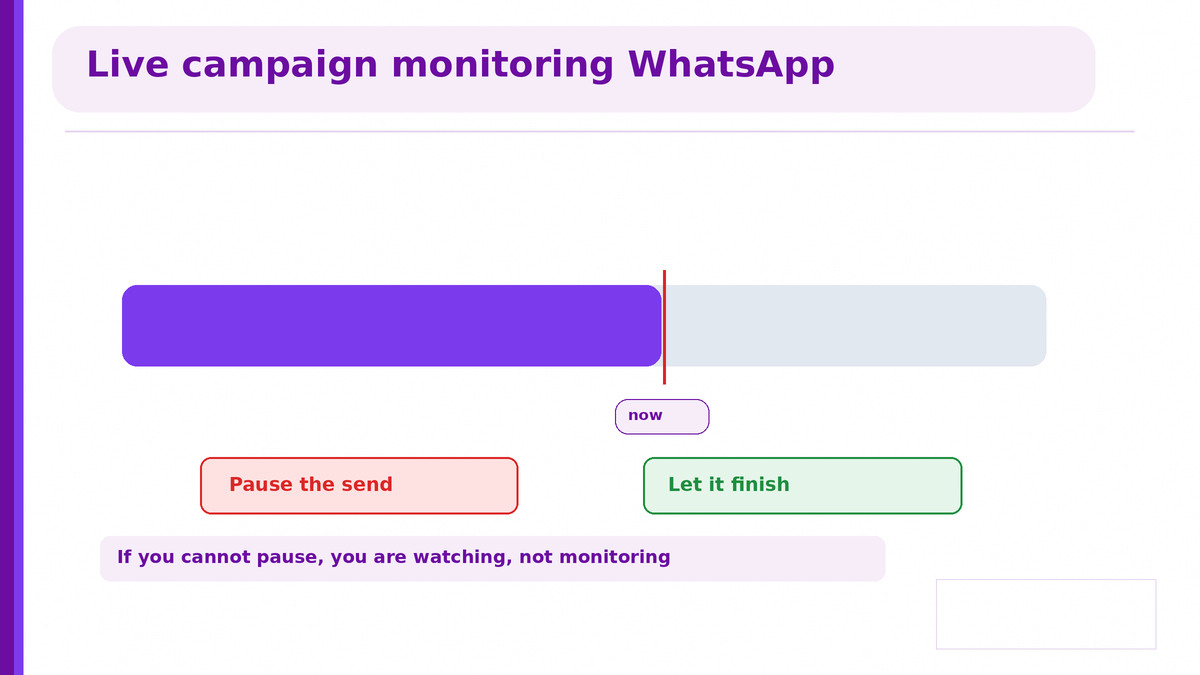
There is exactly one reason to watch a large send in progress: deciding whether to stop it.
A template that is failing, a list with a bad segment, or a block rate climbing faster than usual are all problems where the next thousand sends make it worse. If you cannot pause mid send, live monitoring is just watching, so the kill switch is the feature that makes real time messaging analytics worth having.
Confirm you can pause a send in progress, not just stop the next batch
Agree the thresholds before the campaign, because nobody decides well mid send
Name who can pull it, so the decision does not wait for approval
Send to a small segment first, which answers most of this before the main send
The last point does more than live monitoring ever will. A thousand message test tells you whether the template works, and the full send then needs far less watching.
Real time delivery tracking sms, and its lag
Worth stating plainly because providers use the phrase real time loosely across channels, and the channels genuinely differ.
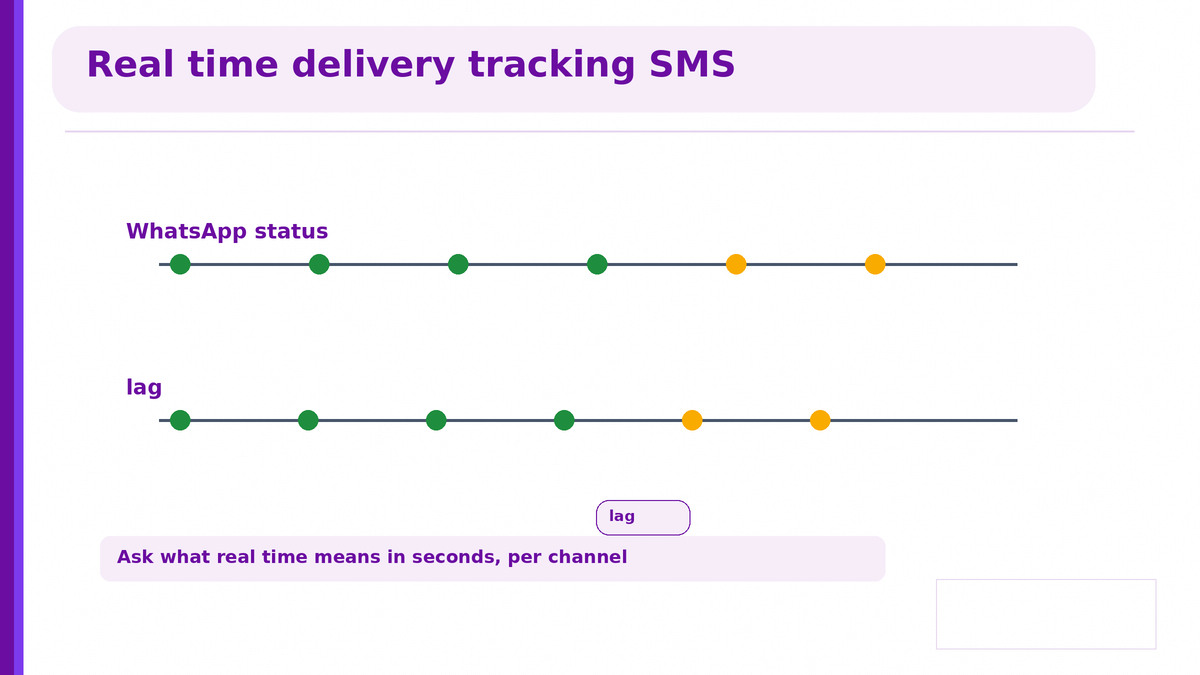
WhatsApp statuses come back through the Cloud API quickly. SMS depends on an operator delivery receipt travelling back through however many intermediaries sit in the route, and it can lag by a noticeable margin. The receipt mechanics are in SMS delivery report tool.
Ask what real time means in seconds, per channel, not as a word
Ask how many hops sit between the API and the operator, because each one adds delay
Expect unknown to resolve late, so a live failure figure will move after the send ends
That last behaviour catches people out. A failure rate that looks alarming during an SMS send often settles once late receipts arrive, so your pause threshold on SMS has to be looser than on WhatsApp.
Messaging webhook events, what this is built on
All of it rests on callbacks, and two properties of those callbacks decide whether your dashboard is correct.
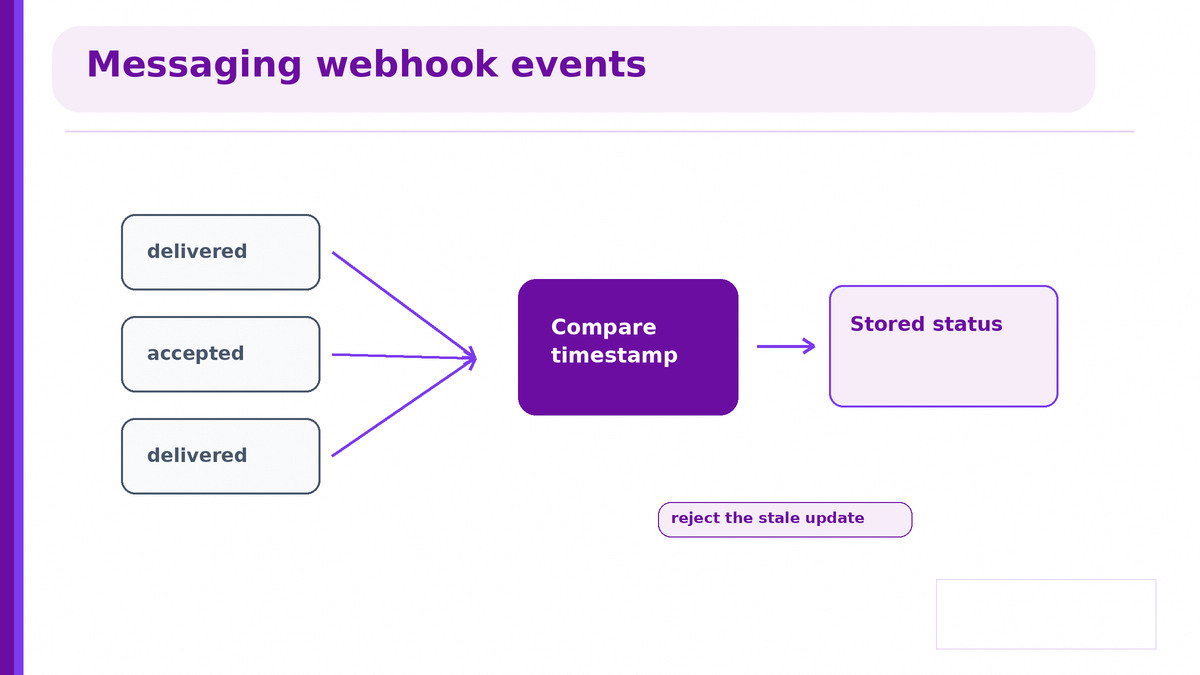
They arrive out of order. A delivered event can land before the accepted event that preceded it
They are retried. So the same event can arrive twice
They carry a timestamp. Which is the only reliable ordering you have
They can be replayed on a good provider, which is how you recover after an outage
Store the timestamp and reject any update older than the one you already hold. Trusting arrival order is the single most common bug in real time messaging analytics, and it shows up as a delivered message reverting to accepted on your own dashboard.
Idempotency matters equally. Key on the provider's message ID so a retried callback updates rather than double counts. The webhook checklist is in the messaging API for developers India guide.
Real time alerting for failed sends
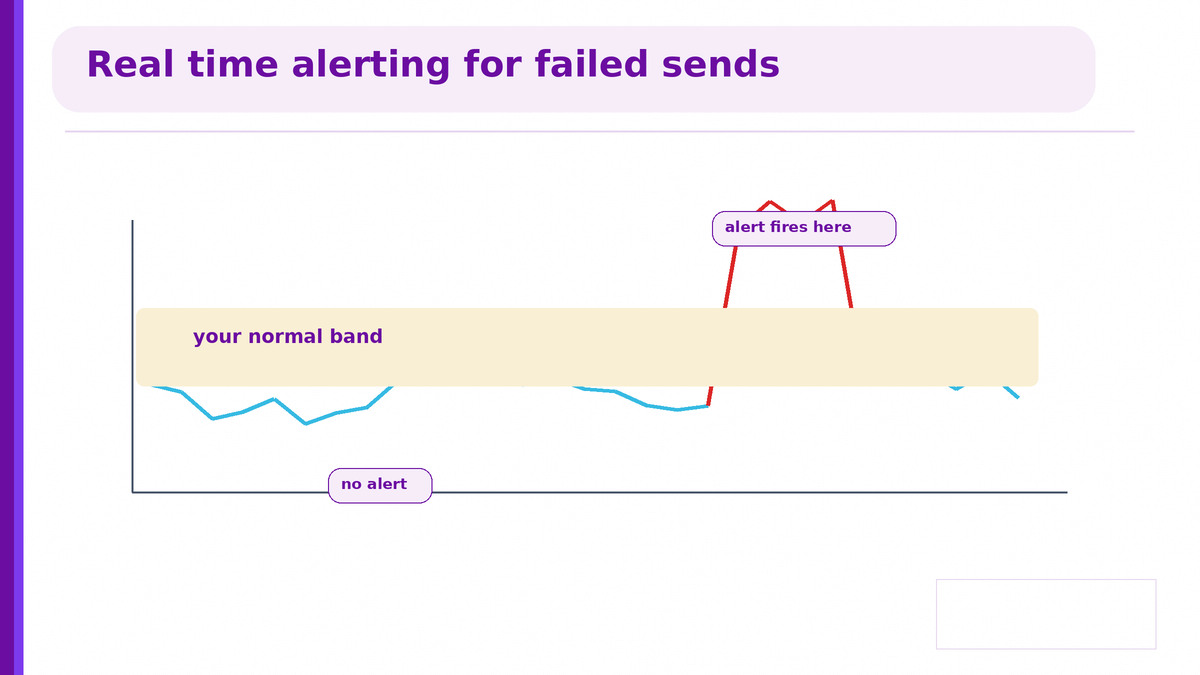
Alerting on every failure trains everyone to ignore alerts. Thresholds are the whole discipline.
Alert on a rate, not an event. Failures above your normal band, sustained over a few minutes
Set the band from your own history, per channel and per traffic type, not from a default
Alert on a change in the reason mix, because a sudden rise in one failure reason is a template or route problem
Route it where someone is, which at 2am means a phone, not a dashboard
The third rule finds the problems the first misses. A stable overall failure rate hiding a shift from handset unreachable to template rejected is a registration problem that will get worse, and only the reason mix shows it.
What not to alert on
A single failure, a slow minute, or anything you would not act on at the hour it fires. Every alert that nobody acts on makes the next real one less likely to be noticed.
What to build, in order
Webhook ingestion with timestamp ordering and idempotency, before any dashboard
Failure rate by reason, per channel, as the first chart
A rate based alert with a threshold from your own history
A pause control on live sends, and a named person who can use it
Everything else in the morning batch report
Built in that order, real time messaging analytics costs little and catches the problems that matter. Built dashboard first, it produces a wall of live numbers nobody acts on and a quiet failure nobody noticed.
Common questions
Which numbers need real time messaging analytics?
What is live campaign monitoring WhatsApp for?
Is real time delivery tracking sms as fast as WhatsApp?
How should messaging webhook events be handled?
When should real time alerting for failed sends fire?
Where to start with Celitix
Celitix pushes webhooks with timestamps and retries, states what real time means in seconds per channel, and supports pausing a send in progress.
Ask Celitix about pausing a live send