How to get WhatsApp username, and what it actually changes for business
For sixteen years, being on WhatsApp meant handing out your phone number. There was no other way to be reached. That changed on 29 June 2026, when WhatsApp opened username reservations.
So how to get WhatsApp username is suddenly the question every business owner in India is asking. The answer is short. What it means for your business is not, and most of what is being written about it right now is wrong in one specific and expensive way.
Table of Contents
Key takeaways
Reservations opened 29 June 2026. The full rollout is still ahead, so this is a head start, not a launch.
Usernames are 3 to 35 characters and you can change them or switch the feature off at any time.
Usernames are NOT searchable. This is not a discovery channel and treating it as one will waste your budget.
You still need a phone number to use WhatsApp. The username replaces what you share, not what you sign up with.
Businesses and creators can claim their Facebook or Instagram handle for consistency across platforms.
Why did WhatsApp add usernames?
Before how to get WhatsApp username matters, it is worth knowing why they exist. The why is privacy, and it is worth understanding before the how, because it explains every design decision that follows.
A phone number is permanent, reused across banking, government ID and every account you hold. Handing it to a stranger to arrange a sale, a repair or a delivery has always been the uncomfortable part of using WhatsApp for business. There was no alternative.
WhatsApp describes reservations as existing to avoid duplication across a user base it puts at over three billion. That scale is the reason the reservation window exists at all. When every name must be unique across three billion people, the good ones go quickly.
What is a WhatsApp username, and can customers search for it?
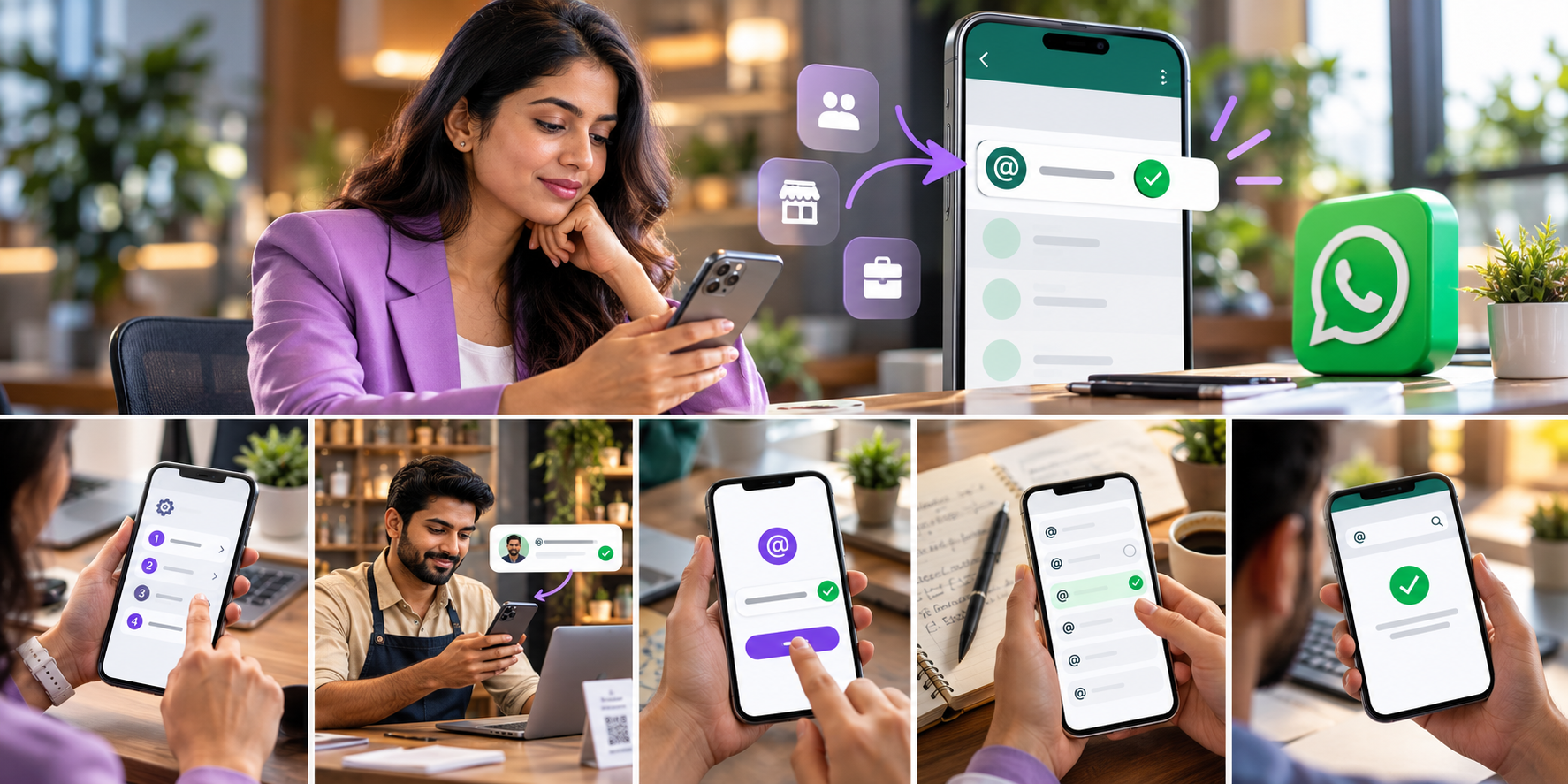
Knowing how to get WhatsApp username only helps once you know what you are getting. A username is a handle someone can use to reach you without knowing your phone number. You still sign up with a number and you still have one. The username changes what you hand out.
Here is the part almost every article is getting wrong, and it matters more than anything else on this page. Usernames are not searchable. Only someone who already knows your exact username can use it to contact you. There is no directory, no search field and no browse.
Customers will search and find my business - What is actually true: Usernames are not searchable at all. What it means for you: This is not a discovery channel. Do not budget for it as one.
It replaces my phone number - What is actually true: A phone number is still required to sign up. What it means for you: Nothing changes about how you register or verify.
I can scan a code to add someone - What is actually true: There is no QR option for usernames. What it means for you: Usernames are shared verbally or by text.
It is permanent once chosen - What is actually true: You can change it or turn it off any time. What it means for you: Lower risk than it feels, but see the warning below.
Anyone can claim any name - What is actually true: Some names are held back for verified entities. What it means for you: A well known brand name may not be available to you.
That first row is the whole story. A username is a sharing mechanism, not a marketing channel. It makes an existing conversation easier to start. It will not bring you a single customer who was not already going to contact you.
How to get WhatsApp username
The mechanics are genuinely simple, which is why the rest of this page spends more time on what to choose than on where to tap.
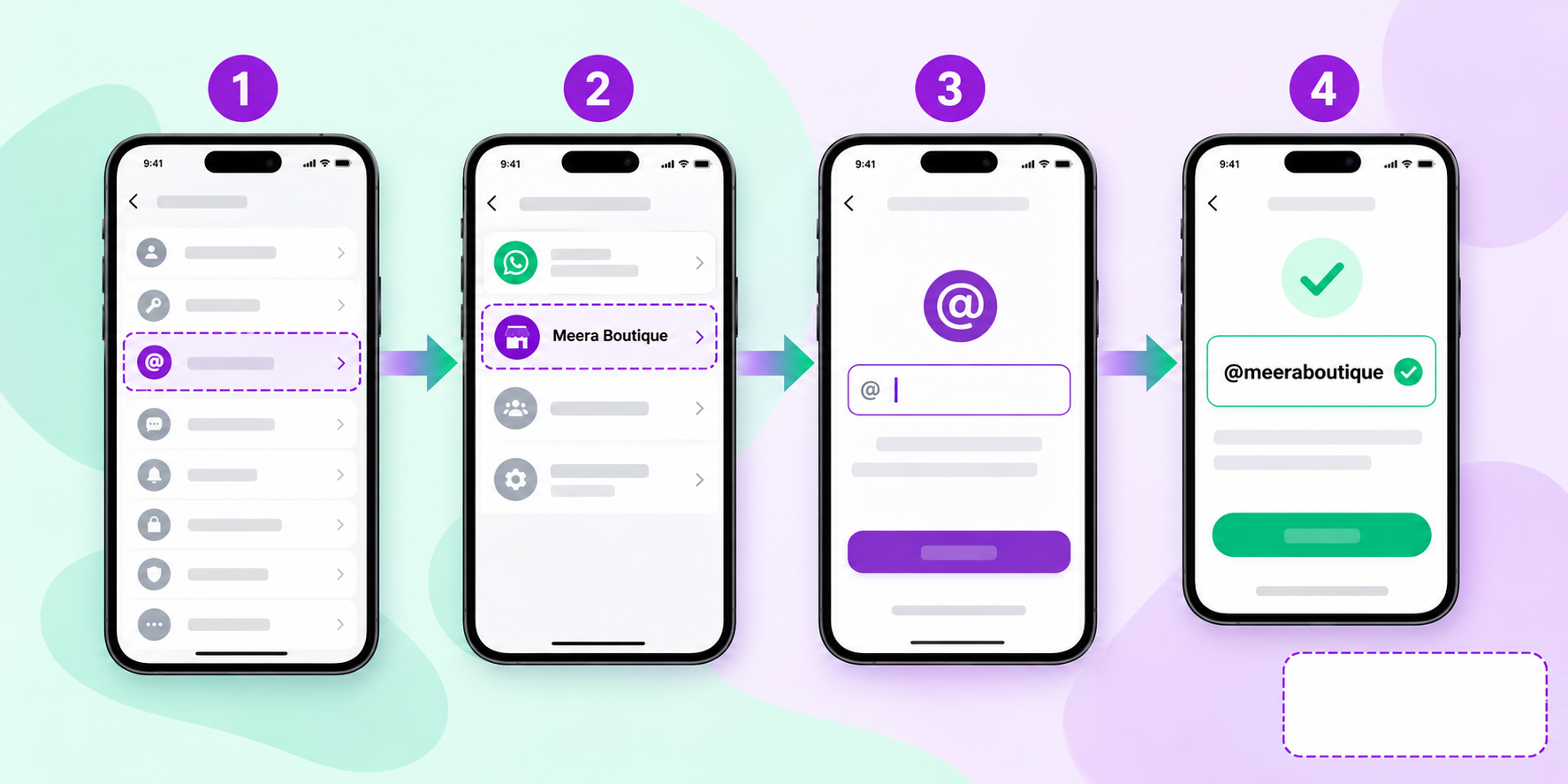
Wait for the notification. WhatsApp notifies you when reservation becomes available in your country. It is being released in stages rather than everywhere at once.
Open Settings. Then Account, then Username.
Enter the name you want. Between 3 and 35 characters.
Confirm it. If it is taken, you will need another.
Set a username key if you want one. This is an extra layer, where a contact must know the key as well as the username before they can message you.
That is how to get WhatsApp username, start to finish. Five steps, two minutes, and no approval process. The difficulty is not the process. It is that the name you pick is the one your customers will see for years.
Why the username key matters more for businesses
For a personal account the key is a privacy nicety. For a business it is the difference between a handle you can print on a van and a handle that only works for people you have already dealt with. Most businesses will want the key switched off, because the point is to be reachable.
What does WhatsApp username reservation actually mean?
Timing is the part of how to get WhatsApp username that actually costs money. WhatsApp username reservation opened on 29 June 2026, ahead of the full launch later in the year. The gap between those two dates is the entire opportunity.
Reserving is not using. You are not getting a feature early. You are claiming a name before three billion other people can, in a system where every name must be unique. For a business with a common name, that window is the difference between having your brand and having your brand with a number after it.
Reserve the obvious one first - your exact brand name, no punctuation.
Then reserve the fallbacks if you run more than one number.
Do it before the rollout, because after it the pool shrinks fast.
Do not wait for a strategy. You can change the name later. You cannot un-take someone else's.
A WhatsApp username reservation costs nothing and takes two minutes. The cost of skipping it is paid later, permanently, every time someone reads your handle.
What does a WhatsApp username for business actually change?
For a company, how to get WhatsApp username is really two questions, one about mechanics and one about consequences. A WhatsApp username for business is useful, and it is smaller than the hype suggests. Being precise about both halves is what separates a sensible plan from a wasted quarter.
What genuinely improves
You stop publishing a phone number on posters, packaging and ads.
Consistency across platforms - businesses and creators can claim their Facebook or Instagram handle on WhatsApp too.
Staff privacy where a personal number was being used as the business line.
It reads as more professional than eleven digits on a shopfront.
What does not change
Discovery. Nobody finds you by searching. Say it twice because it is the expensive assumption.
Your API setup. Nothing published confirms any change to how business numbers are registered or verified.
Template rules and quality ratings. Unaffected by what your handle says.
DLT and SMS. Entirely separate regime, untouched by this.
If you run WhatsApp through the Business API, treat a WhatsApp username for business as a branding improvement to how you are shared, not a change to your messaging operation. Nothing in your onboarding, your templates or your compliance work is affected by it.
What are good WhatsApp username ideas for a business?
The hardest part of how to get WhatsApp username is not the tapping. WhatsApp username ideas are easy to generate and hard to live with. The constraint is not creativity. It is that this handle will be read aloud over a phone, written on a receipt and typed by someone who heard it once.
Match your other handles - Good: The same name as your Instagram. Avoid: A different name on every platform.
Say it out loud first - Good: Easy to dictate over a call. Avoid: Underscores, repeated letters, numbers that sound like words.
Keep it short - Good: Your brand name alone. Avoid: Brand plus city plus year plus service.
Think in years - Good: Something true in 2030. Avoid: A campaign name or a current offer.
Skip the decoration - Good: Plain letters. Avoid: Symbols a customer cannot reproduce from memory.
The best test for WhatsApp username ideas costs nothing. Say the handle to a colleague over the phone, once, and ask them to type it. If they get it right first time, it works. If they ask you to spell it, pick another.
How do I check if a WhatsApp username is available?
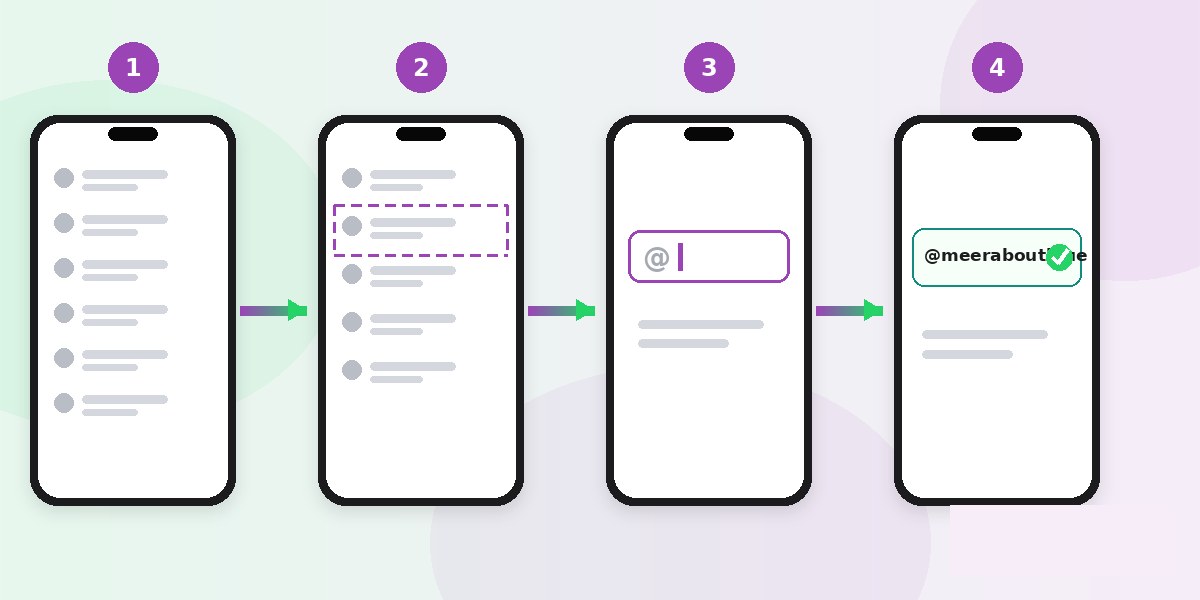
People searching how to get WhatsApp username usually ask this next. There is no lookup tool and no public directory. The only way to see whether a WhatsApp username available for your brand is still unclaimed is inside the app, at the moment you try to take it.
That also means a WhatsApp username available today may be gone next week. Nobody can reserve it on your behalf and no third party site can hold it for you.
Go to Settings, then Account, then Username.
Type the name you want.
The app tells you whether it can be claimed.
If not, try your fallbacks in order of preference.
Have three or four fallbacks written down before you start. Deciding in the moment is how businesses end up with a handle they regret. And treat any external site claiming to check whether a WhatsApp username available in advance with suspicion, because no such public directory exists.
How do I find someone else's WhatsApp username?
You do not, and this is the same fact from the other direction. There is no search, no directory and no browse. If you want to reach a business by username, that business has to have told you what it is, on its website, its packaging or its ads.
Which is the practical instruction for your own business. A username nobody knows is a username that does nothing. Publish it everywhere you currently publish a phone number.
What is confirmed so far, and what is not?
Anyone answering how to get WhatsApp username in October 2026 is writing about a moving target. This feature is weeks old. Here is the honest split as at 17 October 2026, so you can tell the difference between what is reported and what is being guessed at.
Confirmed - reservations opened 29 June 2026, full rollout later in 2026.
Confirmed - 3 to 35 characters, changeable, switchable off, not searchable, no QR.
Confirmed - businesses and creators can claim their Facebook or Instagram handle.
Not confirmed - any change to WhatsApp Business API registration or verification.
Not confirmed - how usernames interact with the verification badge.
Not confirmed - the exact availability date for every country.
Anything you read stating those last three as settled fact is guessing. Check WhatsApp directly before acting on them, and be particularly careful with advice that tells you to change your business setup because of this.
Questions businesses are asking
How to get WhatsApp username
Open Settings, then Account, then Username, type the handle you want and confirm it. Reservation became available on 29 June 2026 and is rolling out by country, so you may need to wait for the option to appear.
Can I still be found by my phone number?
Yes. A phone number is still required to sign up and nothing about that changes. The username is an additional way to be reached, not a replacement for the number itself.
Will customers be able to search for my business username?
No. Usernames are not searchable. Only someone who already knows the exact username can use it, which is why you need to publish yours wherever you currently publish your number.
Can I change my username later?
Yes, you can change it or turn the feature off at any time. But anyone who saved your old handle will find it no longer works, so treat changes as you would a phone number change.
Does this affect my WhatsApp Business API account?
Nothing published confirms any change to how business numbers are registered, verified or messaged. Treat it as a branding improvement rather than an operational change until WhatsApp says otherwise.
What should your business do next?
A username changes how you are shared. It does not change how you message. If you run customer conversations through the WhatsApp Business API, your WhatsApp chatbot, WhatsApp live chat and CRM integrations all work exactly as before.
Because usernames bring no discovery, the channels that actually reach people matter more rather than less. Bulk SMS still reaches every handset, RCS business messaging carries a verified brand sender, and two way SMS handles replies, all on one CPaaS platform.
If you want the verification badge alongside the handle, WhatsApp verification is a separate process, covered in our verification post. For onboarding see the setup guide, retail and ecommerce for a worked example, and pricing to size it.
WhatsApp publishes its own help centre, and it is the only source worth trusting while this feature is still rolling out: WhatsApp Help Centre.
Book a free Celitix demo