Woocommerce order notifications whatsapp, the four messages worth sending
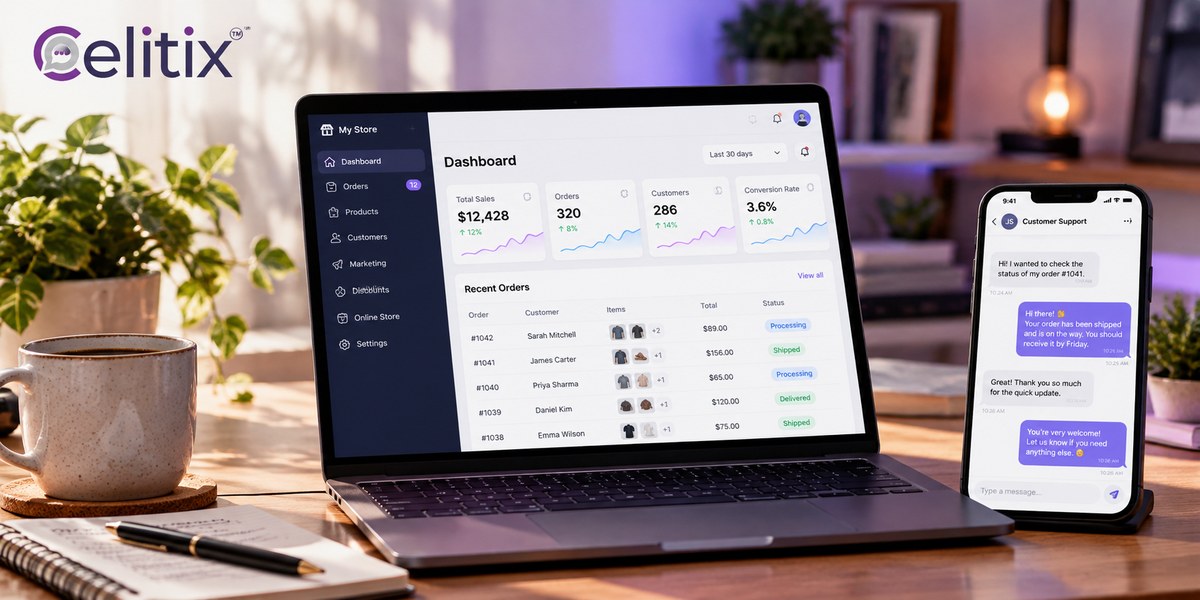
Every order confirmation email you send has a job. Tell the customer it worked, and stop them emailing you to ask. Most of them fail at both, because they are never opened.
Woocommerce order notifications whatsapp messages do the same job in the place the customer actually looks, which is why support volume drops the week you turn them on.
What is on this page
Why order updates belong on WhatsApp
Woocommerce order notifications whatsapp, which ones to send
Woocommerce order status whatsapp, mapping statuses to messages
Wordpress whatsapp notification plugin, or a platform
Whatsapp invoice and receipt messages, what is allowed
Woocommerce delivery update automation, the part that saves the most time
What to never put in an order message
Common questions
Key takeaways
Order updates are utility messages, not marketing, which makes them cheaper and easier to approve.
Send four, not eight. Confirmed, shipped, out for delivery, delivered. Everything else is noise.
Map each WooCommerce status to exactly one template, or customers get duplicate messages.
A plugin is fine for one store. A platform earns its place the moment you add a second channel.
Never put full card details, passwords or a full invoice in the message. Send a secure link.
Why order updates belong on WhatsApp
The case for woocommerce order notifications whatsapp is not open rates. It is that the customer checks one place for everything else in their life and does not check email for a parcel.
Fewer where is my order tickets - the single largest category of ecommerce support contact.
Delivery status reaches them in time - which reduces failed deliveries and redelivery cost.
A reply is possible - the customer can ask about the order in the same thread.
It is a utility conversation - cheaper than marketing and easier to get approved.
One thread per customer - the whole order history sits in one place for your agent.
Woocommerce order notifications whatsapp, which ones to send
Restraint is the hard part of any woocommerce order notifications whatsapp setup. It can fire on every status change, and absolutely should not.
Order confirmed. The one message nobody should skip. Confirms payment and sets delivery expectation.
Shipped. With the tracking link, not the tracking number. Make it one tap.
Out for delivery. The message that prevents a missed delivery.
Delivered. Closes the loop, and is the natural place to ask for a review.
Four messages. A processing update, a packed update and a left-the-warehouse update add nothing the customer wanted, and each one is another chance to be muted.
Woocommerce order status whatsapp, mapping statuses to messages
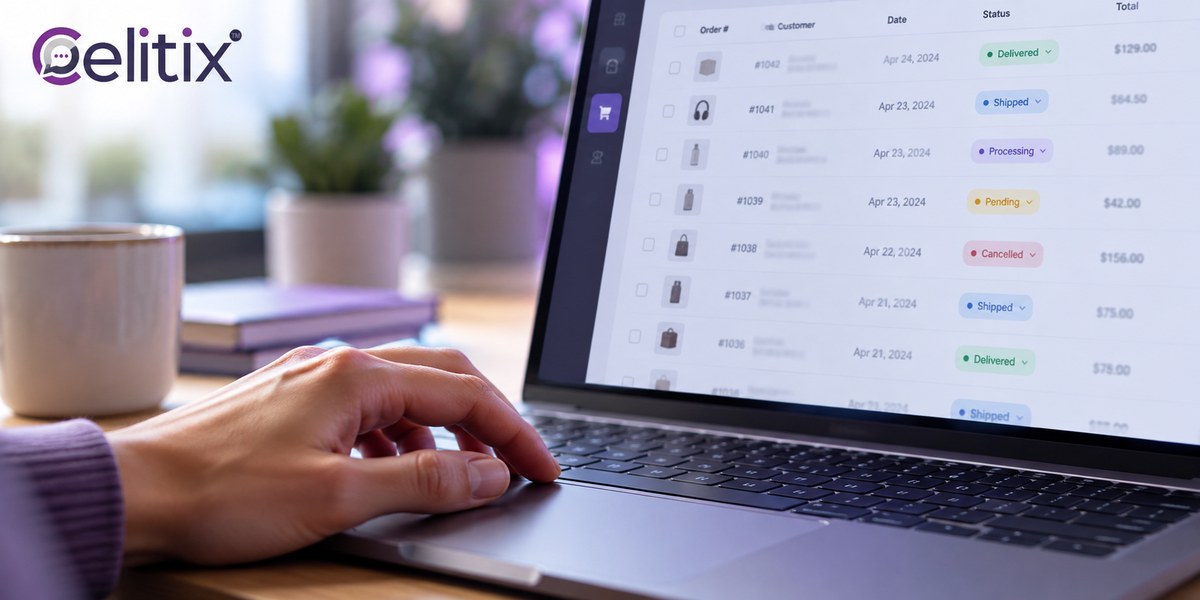
Woocommerce order notifications whatsapp depends entirely on status mapping. WooCommerce ships with its own statuses, and a woocommerce order status whatsapp mapping is where most setups go wrong. The rule is one status to one template, never more.
Processing maps to Order confirmed. This is the status WooCommerce sets on successful payment.
Completed maps to Shipped in most stores, because that is when fulfilment marks it done.
On hold maps to nothing automatic. A human should decide what to say.
Cancelled and Refunded map to one message each, written carefully and without upsell.
Custom statuses from your fulfilment plugin need explicit mapping or they fire nothing.
Check the woocommerce order status whatsapp mapping against a real order before launch. Place one, move it through every status yourself, and count the messages your own phone receives.
The duplicate message trap
If both your fulfilment plugin and your messaging platform watch the same status, the customer gets two identical messages. Decide which system owns the send, and switch the other one off.

Wordpress whatsapp notification plugin, or a platform
A wordpress whatsapp notification plugin is the fastest way to start and the quickest to outgrow. The honest comparison is about where you are heading, not where you are.
When the plugin is right
One store, one channel, and no plan to add another.
Low order volume where the cost of a platform is hard to justify.
You want it live this week and can accept the limits.
When a platform earns its place
You already send SMS, or you will when WhatsApp fails to deliver.
You want the customer reply to reach an agent rather than vanish.
You run more than one store or more than one brand.
You need one report covering every channel instead of three.
The thing a wordpress whatsapp notification plugin rarely handles well is the reply. The message goes out, the customer answers, and the answer lands nowhere. If that matters, you have outgrown it.
Whatsapp invoice and receipt messages, what is allowed
Whatsapp invoice and receipt messages are allowed and genuinely useful, with one firm limit. Send the link, not the document, and never send the sensitive parts.
Allowed - order number, amount, item summary, a link to the full invoice.
Allowed - a payment link for a pending or partial payment.
Never - full card numbers, CVV, passwords or one time codes.
Never - the complete invoice as an attachment with personal data in it.
Careful - the link should sit behind authentication if the invoice holds an address.
Treating whatsapp invoice and receipt messages as a document delivery channel is the mistake. The thread lives on the handset outside your control, and anyone who picks up that phone can read it.

Woocommerce delivery update automation, the part that saves the most time
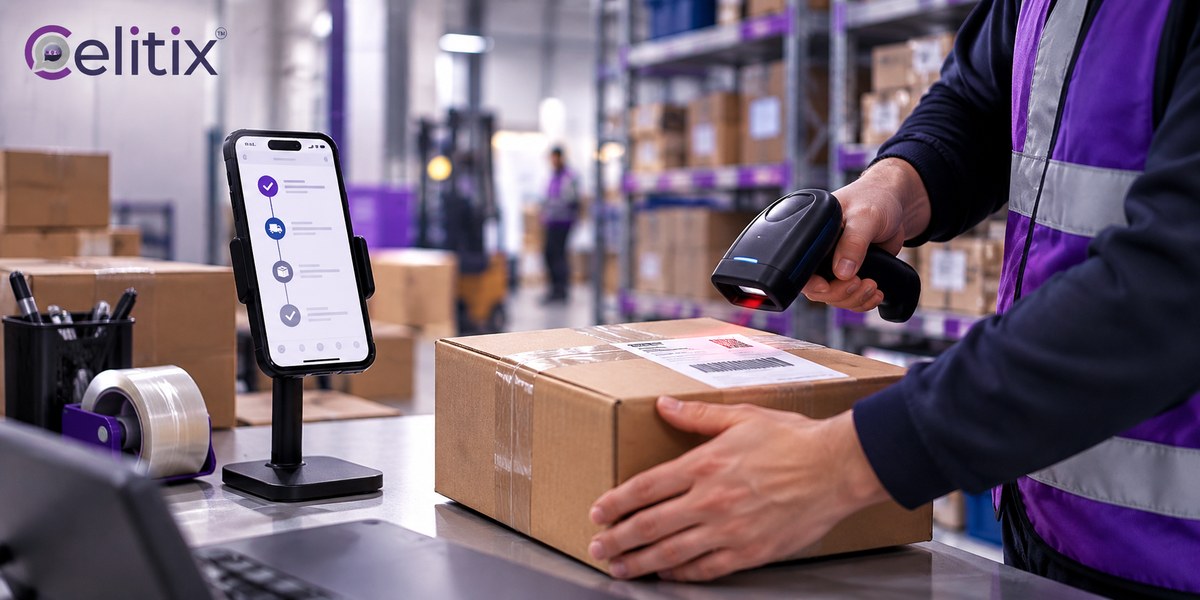
Woocommerce delivery update automation is where the support saving actually comes from. The confirmation message is polite. The delivery message is the one that stops the phone ringing.
Your courier updates the shipment status through their API or a tracking webhook.
WooCommerce receives it and updates the order.
The status change fires the matching template with the tracking link already filled in.
The customer taps once and sees where the parcel is.
Where woocommerce delivery update automation breaks is the courier side. If your courier does not push status back, nothing fires and you are back to manual updates. Confirm that before you promise the customer anything.
Build woocommerce order notifications whatsapp around the statuses your courier actually reports, not the ones you wish they did.
What to never put in an order message
Some things never belong in woocommerce order notifications whatsapp. Four rules, and they matter more on WhatsApp than on email because the thread is permanent and sits on a device you do not control.
No full payment details. Last four digits at most, and only if it helps.
No passwords or one time codes. Those belong on SMS or in your app.
No upsell in a delivery message. It turns a utility message into marketing, which changes the category and the cost.
No full address in plain text. Confirm the city, link to the rest.
Common questions
Are order updates charged as marketing?
No, they fall under utility conversations, which are priced differently and reviewed more leniently. Adding a promotion to the message is what reclassifies it, and that costs you more.
What happens if the customer has no WhatsApp?
The message fails. Set up an SMS fallback so the update still reaches them, which is one of the main reasons to run this on a platform rather than a single channel plugin.
Can the customer reply to an order message?
Yes, and many will. Decide in advance who answers. A reply that reaches nobody is worse than not inviting one at all.
Do I need consent for order updates?
Yes. Capture it at checkout. Transactional intent does not remove the need for a recorded opt in against that phone number.
Can I send the invoice PDF directly?
Better not to. Send a link behind authentication instead. A PDF with an address and order history sits on the handset permanently once delivered.
Where to start with Celitix
If woocommerce order notifications whatsapp is the next step, Celitix connects the store, files the templates and handles verification during onboarding. It runs the WhatsApp Business API with store and CRM integrations, a WhatsApp chatbot and WhatsApp live chat so replies reach a person.
Add bulk SMS as the fallback, RCS business messaging for richer tracking cards and two way SMS, all on one CPaaS platform. The retail and ecommerce page covers the sector setup, cart recovery is covered separately, and pricing will size it against your order volume.
WooCommerce documents its own order statuses if you want that from source: Managing orders in WooCommerce.
Book a free Celitix demo