Whatsapp business auto reply, what to send and what to never promise
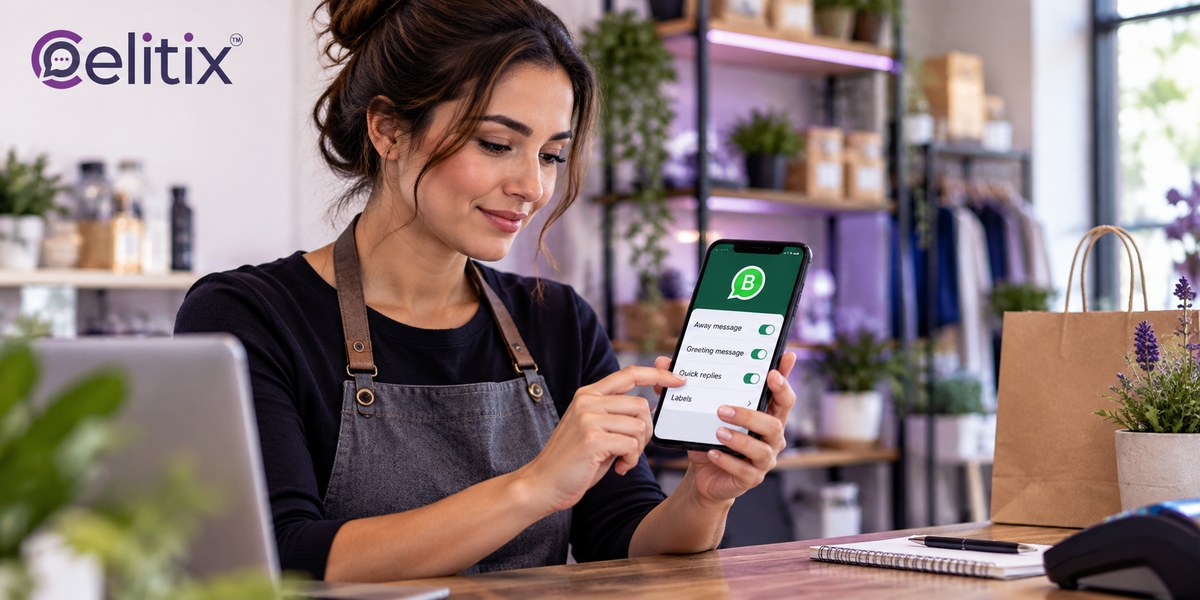
A customer messages your business at ten at night. Nobody answers until the morning. By then they have messaged two competitors and bought from whichever replied first.
A whatsapp business auto reply does not close that sale on its own. What it does is hold the customer, which is usually enough.
What is on this page
What an auto reply is actually for
Whatsapp business auto reply, the three types explained
Whatsapp greeting message examples that are not annoying
Whatsapp away message setup, the one most businesses get wrong
Whatsapp quick replies for business, the agent time saver
After hours whatsapp auto response, setting real expectations
When an auto reply makes things worse
Moving from auto replies to a chatbot
Common questions
Key takeaways
An auto reply buys time. It is not an answer, and pretending otherwise annoys people.
Promise a response time you can actually hit, then hit it. Vague promises are worse than none.
Greeting messages fire once per new conversation. Away messages fire outside your hours.
Quick replies are for your agents, not your customers, and they save the most time of the three.
If the same question keeps arriving, you have outgrown auto replies and need a chatbot.
What an auto reply is actually for
A whatsapp business auto reply has one honest job. Acknowledge the customer so they stop waiting and start expecting.
It confirms the message arrived. Silence reads as a dead number.
It sets a time frame so the customer knows whether to wait or call.
It can redirect to a page that answers the question immediately.
It cannot resolve anything - treat it as a holding message and nothing more.
The businesses that get the most from a whatsapp business auto reply are the ones that keep it short and honest. The ones that get the least write a paragraph pretending to be helpful.
Whatsapp business auto reply, the three types explained
There are three mechanisms and they are frequently confused with each other.
Greeting message. Fires automatically when a customer messages you for the first time, or after a long gap.
Away message. Fires when a message arrives outside the hours you have set.
Quick replies. Saved responses your agent inserts manually. Not automatic at all.
Most businesses need all three, and a whatsapp business auto reply setup that only uses the greeting is leaving the two more useful ones on the table.
Whatsapp greeting message examples that are not annoying
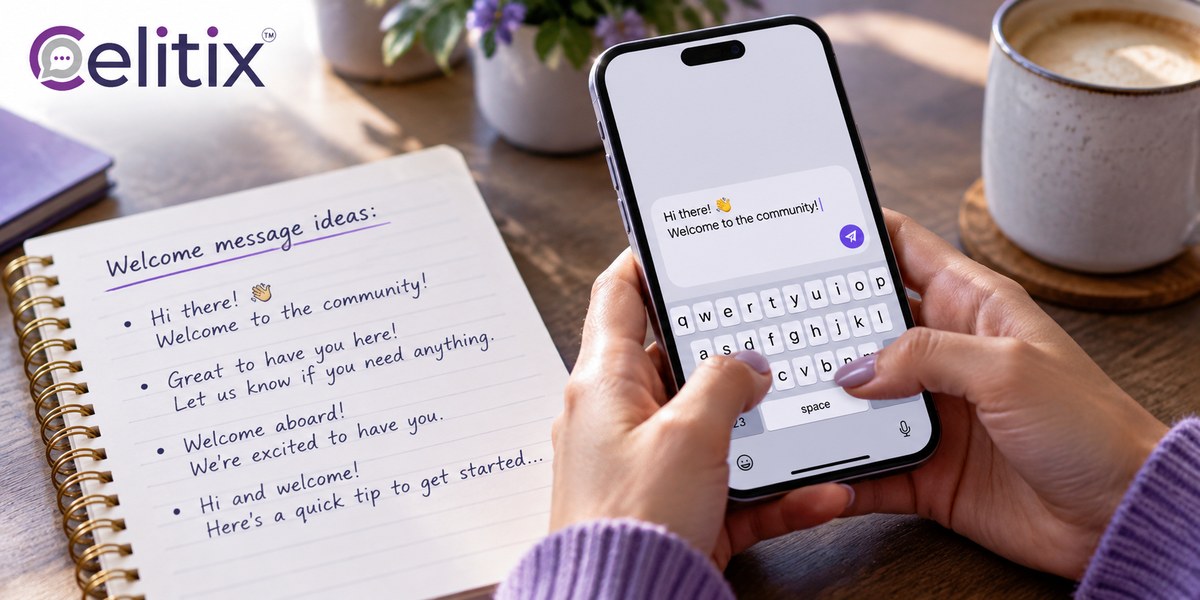
Good whatsapp greeting message examples share three qualities. They are short, they say what happens next, and they do not pretend a human is typing.
What to include
Who you are in four words, not a company history.
What happens next and roughly when.
One useful link if there is a genuinely useful one.
Nothing else. No offers, no survey, no emoji wall.
What to avoid
Avoid your mission statement. Avoid a menu of nine options when most customers want one of two things. And avoid writing a whatsapp business auto reply that sounds like a person, because the customer will reply to it and feel misled when nothing comes back.
Whatsapp away message setup, the one most businesses get wrong
Whatsapp away message setup fails in a specific and avoidable way. The hours in the setting do not match the hours the team actually works.
Set the schedule to real hours, including the lunch gap if your team takes one together.
Account for the weekend explicitly rather than assuming the default covers it.
Name the next working window. We will reply by 11am tomorrow beats we will reply soon.
Update it for holidays. A festive week with the normal away message creates broken promises.
Test it at 11pm from your own phone before trusting it.
A whatsapp away message setup that promises a reply within an hour at midnight is not a courtesy. It is a commitment you will miss, and missed commitments cost more than silence.
Whatsapp quick replies for business, the agent time saver
Whatsapp quick replies for business are the least discussed and most useful of the three. They are saved answers your agent inserts with a shortcut rather than retyping.
Build them from your actual inbox. Read last month and find the repeats.
Keep each one editable so the agent can add the specific detail.
Name them obviously so they are found in a second, not hunted for.
Review them monthly and delete the ones nobody uses.
Ten good whatsapp quick replies for business save more agent time than any automation, because they handle the questions that genuinely need a person but not a fresh answer.
After hours whatsapp auto response, setting real expectations
An after hours whatsapp auto response works when it is specific. It fails when it is reassuring but empty.
State the actual next working window, not a vague soon.
Offer the self service route if one exists - order tracking, a help page, a form.
Give an emergency path if your business has genuine emergencies.
Keep it to two lines. Nobody reads more at midnight.
The best after hours whatsapp auto response tells the customer something they can act on right now, even if that something is simply when you will be back.
When an auto reply makes things worse
Four situations where a whatsapp business auto reply actively damages the conversation.
Mid conversation. An away message firing between two agent replies looks broken.
To an angry customer. An automated acknowledgement of a complaint reads as dismissal.
Promising what you miss. Within 30 minutes, four hours later, repeatedly.
Replacing a person entirely. If nobody ever follows up, the auto reply is a lie with a timestamp.
Moving from auto replies to a chatbot
There is a point where a whatsapp business auto reply stops being enough, and it is recognisable.
The same three questions arrive dozens of times a day.
Customers reply to the auto reply and wait again.
Your team spends the first hour of every day clearing the overnight queue.
You want the customer to get an answer at midnight, not just an acknowledgement.
A chatbot answers. An auto reply acknowledges. Once the questions are predictable enough to answer automatically, the holding message has done its job and should be replaced.

Common questions
Can I set auto replies on the free WhatsApp Business app?
Yes. Greeting messages, away messages and quick replies are all built into the free app. The API adds scheduling control and routing on top.
Does the greeting fire for every message?
No. It fires on a first message or after a long gap in the conversation, not on every incoming message. That is deliberate, and it is what stops it becoming spam.
How long should an auto reply be?
Two lines. Anything longer is read as noise, especially late at night when most away messages fire.
Should I promise a response time?
Only one you will actually hit. A missed promise damages trust more than a vague one, and far more than saying nothing about timing at all.
Can auto replies handle orders?
No. For anything that needs a lookup or a decision you need a chatbot connected to your systems, or a person. An auto reply only acknowledges.
Where to start with Celitix
If a whatsapp business auto reply is where you are starting, the next step is usually a chatbot that answers rather than acknowledges. Celitix runs the WhatsApp chatbot and WhatsApp live chat on the WhatsApp Business API, with handover from bot to agent on the same thread.
Add website live chat, CRM integrations and bulk SMS on one CPaaS platform so an unanswered message can escalate instead of waiting. See the app versus API comparison, retail and ecommerce for a worked example, and pricing to size it.
WhatsApp documents the business tools in its own help centre: WhatsApp Business Platform.
Book a free Celitix demo