How to activate rcs on android and iPhone, step by step
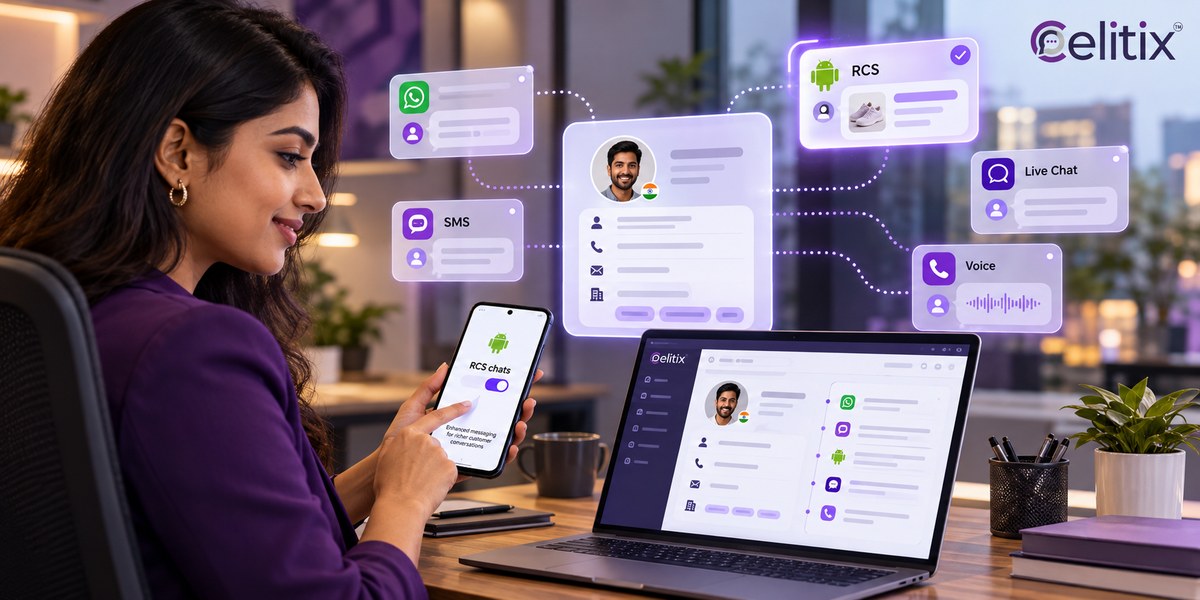
Someone sends you a photo and it arrives as a blurry postage stamp. Your messages send as green blocks with no read receipt. Both are signs that the richer messaging layer on your phone is switched off.
Turning it on takes under a minute once you know where to look. This guide covers how to activate rcs on android, the equivalent switch on iPhone, and what to check when it refuses to register.
Key takeaways
On Android the setting lives inside Google Messages, not in the phone's main settings.
Registration needs a working mobile data connection and a verified SIM, so Wi-Fi alone may not finish it.
Status should read Connected. Anything else means it has not finished registering.
On iPhone the switch sits under Settings, Apps, Messages, and depends on your carrier enabling it.
If it will not connect, clearing the Messages app cache resolves most cases.
What changes when you activate rcs on android
RCS replaces the plain text format with something closer to a modern chat app, delivered through your carrier rather than a separate application. Nothing new gets installed.
Before you activate rcs on android it is worth knowing what you gain, because the switch is easy to flip and then forget. The differences show up immediately in everyday use.
Message length - Plain SMS: 160 characters per segment. With RCS on: Up to several thousand.
Photos and video - Plain SMS: Heavily compressed. With RCS on: Full resolution.
Read receipts - Plain SMS: No. With RCS on: Yes.
Typing indicator - Plain SMS: No. With RCS on: Yes.
Group chats - Plain SMS: Basic. With RCS on: Named groups, add and remove people.
Works over Wi-Fi - Plain SMS: No. With RCS on: Yes, once registered.
Those are the same rcs chat features businesses use to send branded order updates, which is why the setting matters beyond personal chat.
How to activate rcs on android, step by step
To activate rcs on android the setting is inside Google Messages rather than the phone's system settings, which is why most people never find it. The wording differs slightly between Android versions but the path is consistent.
Open the rcs settings in google messages
Open the Google Messages app. If it is not your default messaging app, set it as the default first.
Tap your profile picture in the top right corner, then tap Messages settings.
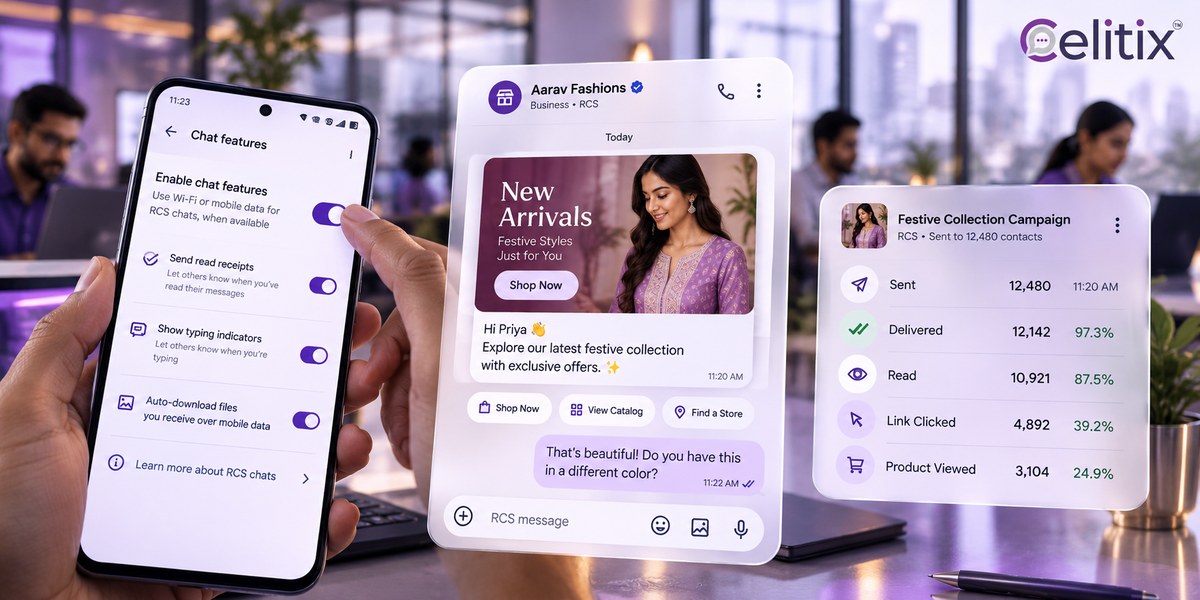
Tap RCS chats. On some versions this reads Chat features.
Switch on Turn on RCS chats.
Enter your phone number if prompted and wait for verification to complete.
The rcs settings in google messages will show a Status line underneath. It should read Connected. If it reads Setting up or Connecting for more than a few minutes, registration has not finished.
Turn on rcs chat features and confirm it worked
After you activate rcs on android, open any existing conversation. The send button changes and the text field usually reads Chat message rather than Text message. That wording is the quickest confirmation.
To turn on rcs chat features for the person on the other end as well, they have to do the same on their phone. Both sides need it enabled before read receipts and typing indicators appear.
Enable rcs on samsung phones
Samsung devices often ship with Samsung Messages as the default. You can enable rcs on samsung through either app, but Google Messages is the more reliable route and the one Google supports directly.
If you choose to enable rcs on samsung using Samsung Messages, the equivalent setting sits under Settings, then Chat settings. Switching default apps midway tends to break registration, so pick one and stay with it.
How to switch it on if you use an iPhone
Apple added RCS support, so the capability now exists on iPhone, but it depends on your carrier having enabled it. There is no equivalent of Google Messages to configure.
Open Settings and scroll to Apps, then tap Messages.
Find RCS Messaging and switch it on.
If the option is missing entirely, your carrier has not enabled it yet.
Restart the phone if it appears but will not activate.
Messages between two iPhones still use iMessage. RCS applies when you message an Android user, which is exactly where the old experience was worst.
Why is rcs not working, and how to fix it
Attempts to activate rcs on android usually fail on registration rather than a fault. The question of why is rcs not working almost always has one of five answers, and they are quick to work through in order.
Status stuck on Connecting - Likely cause: No mobile data during registration. Fix: Turn off Wi-Fi, leave mobile data on for a few minutes.
Option missing entirely - Likely cause: Carrier has not enabled it on your plan. Fix: Contact the carrier, or wait for rollout.
Verification code never arrives - Likely cause: SIM not in the phone being registered. Fix: Register on the handset holding that SIM.
Worked, then stopped - Likely cause: App cache corrupted after an update. Fix: Clear the Messages app cache and re-register.
Only some chats show it - Likely cause: The other person does not have it on. Fix: Nothing to fix on your side.
If you are still asking why is rcs not working after all five, remove the account from Messages settings, restart the phone, and switch it on again. A clean re-registration clears almost everything that remains.
Dual SIM phones
Registration is tied to one number. On a dual SIM handset, confirm which SIM is set as the default for messaging before you activate rcs on android, or the verification will go to the number you did not intend.
What this means if you run a business
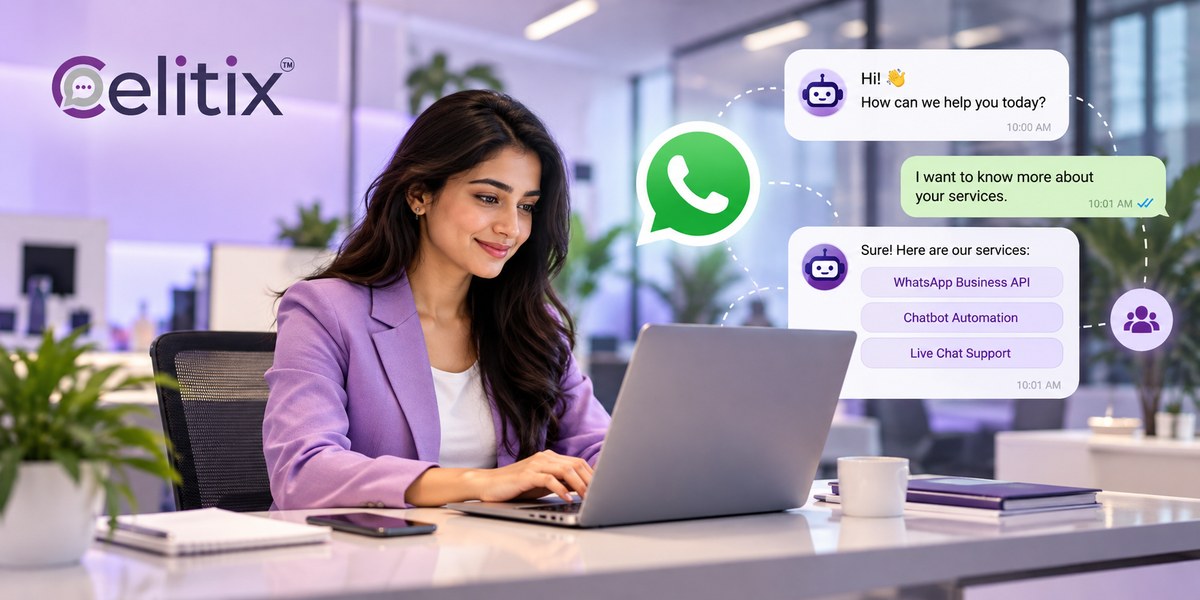
Every customer who chooses to activate rcs on android becomes reachable with a branded, verified message instead of grey text. That is the audience for RCS business messaging, and it grows passively.
You still need a fallback
A meaningful share of handsets will not render RCS on any given day. Keep SMS marketing underneath as the guaranteed floor, carrying the same information.
It sits alongside your other channels
Most Indian brands run RCS next to the WhatsApp Business API for conversation depth and click to call for anything urgent.
Sector examples
Order tracking on the retail and ecommerce page, alerts and verification on financial services, reminders on healthcare, and appointment flows on two-way SMS.
Mistakes people make with the setting
Switching default messaging apps midway - registration breaks and has to start again.
Registering on Wi-Fi only - the verification needs the mobile network at least once.
Expecting it to work one way - both people need it on before receipts appear.
Assuming it is broken after two minutes - registration can take longer on a busy network.
Turning it off to fix something else - it rarely is the cause, and switching back costs another registration.
Common questions
Does RCS cost anything?
It uses mobile data rather than SMS credits, so it draws on your data allowance instead. For most plans the volume is negligible compared with any other app.
Can I activate rcs on android without Google Messages?
Some manufacturers ship their own implementation, Samsung being the main one. Google Messages is the more reliable route and the one most carriers test against.
Will my old messages disappear?
No. Existing conversations stay where they are. New messages in those threads simply use the richer format once both sides support it.
Is it secure?
RCS messages are encrypted in transit, and Google Messages adds end to end encryption for one to one chats where both sides use it. Treat it as you would any messaging app.
Why do some contacts still show as green text?
That person has not enabled it, or their handset or carrier does not support it. Your phone falls back to SMS for them automatically.
Where to start with Celitix
If you activate rcs on android to evaluate it as a business channel, Celitix runs RCS alongside SMS, WhatsApp and voice on one CPaaS platform, with the SMS fallback built in. Pricing will size it against your current SMS volume.
Google publishes the official help article for the handset setting if you want the manufacturer wording: Turn on RCS chats in Google Messages.
Book a free Celitix demo