Call automation for support teams, what to automate and what to leave alone
Most support calls are not conversations. They are lookups. Where is my order, what is my balance, when is my appointment, has my payment gone through.
Call automation for support works because those four questions have answers sitting in a database, and a person reading them aloud adds nothing except a wait.
Key takeaways
Automate lookups and confirmations. Keep complaints, cancellations and anything emotional with a person.
An escape to a human on the first press is not a failure of the design. It is the design.
Deflection rate is the wrong target. Resolution without a callback is the right one.
Outbound automation often saves more than inbound, because it stops the call being made at all.
Start with the one question that fills your queue. Do not map the whole call tree first.
Call automation for support, what it actually covers
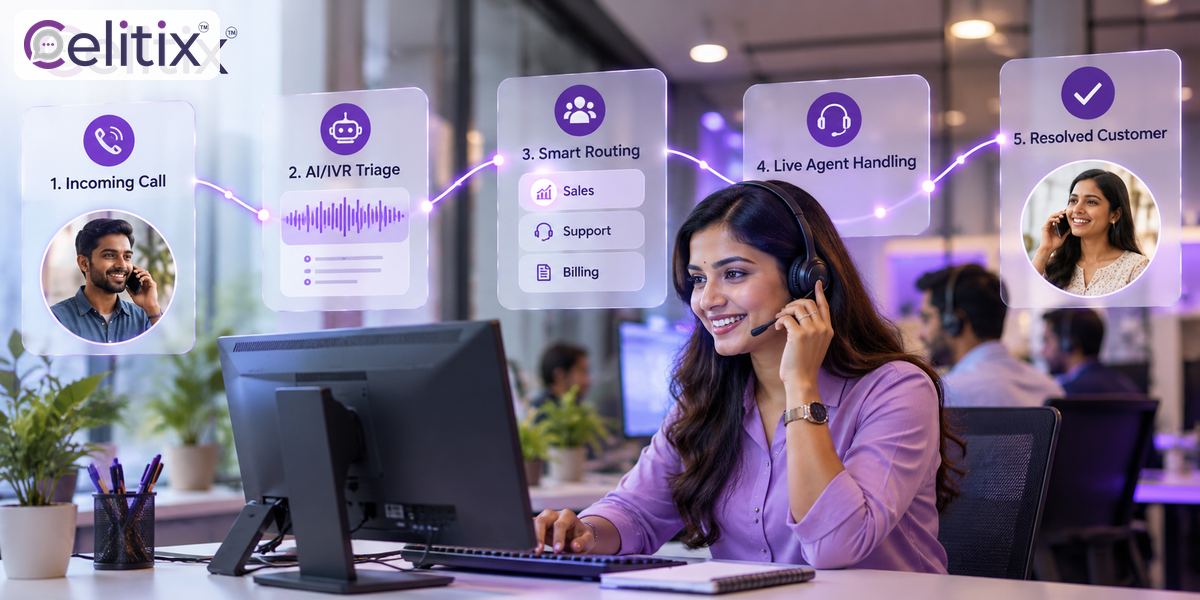
Call automation for support is not one product. It is three separate things that get sold under one name, and they solve different problems.
Inbound self service - the caller gets an answer from a system without reaching an agent.
Routing and triage - the caller still reaches a person, but the right one, with context attached.
Outbound automation - the system calls or messages first, so the customer never has to.
Buying call automation for support without separating those three is how teams end up with an elaborate menu that nobody finishes. The question is which of the three your queue is actually made of.
Call automation for support teams, what to automate and what not to
The line is easier than it is usually made to sound. Call automation for support teams should take anything with a deterministic answer and leave anything where the customer needs to be heard.
Order or delivery status - Automate: Yes. Why: One lookup, one answer, no judgement.
Balance or due date - Automate: Yes. Why: Same, and the caller often just wants the number.
Appointment confirm or move - Automate: Yes. Why: A fixed set of choices.
Password or OTP resend - Automate: Yes. Why: Faster than a queue, and safer when verified.
Complaint or escalation - Automate: No. Why: The customer needs to be heard, not processed.
Cancellation or refund - Automate: No. Why: Last chance to keep them, and it needs judgement.
Anything already escalated - Automate: No. Why: Repeating the menu is the insult.
Call automation for support teams fails when that right hand column is ignored and the menu is built around call volume instead. The loudest categories are often the ones that most need a person.
The escape hatch rule
Every automated flow needs a way to reach a human within one press, announced at the start rather than buried at the end. Teams resist this because they fear everyone will take it. In practice most callers only want the answer, and knowing the exit exists is what makes them willing to try the system at all.
Automated call handling, how a flow should be built
Automated call handling works best when it is built narrow and deepened later. One question, done properly, beats a complete tree that half works.
Pick the single biggest call reason - look at last month, not at your assumptions.
Identify the caller - number recognition first, then a verification step if the answer is sensitive.
Answer in one step - no menu before the answer if the caller ID already told you who they are.
Offer the next action - repeat, send by SMS, or speak to someone.
Send the follow up in text - a tracking link in an SMS stops the second call.
Measure and widen - add the next call reason only once the first is resolving cleanly.
Good automated call handling also knows when to stop. If the caller has pressed zero twice, or has called three times today, the system should route straight to a person and tell the agent why.
Where messages beat the call
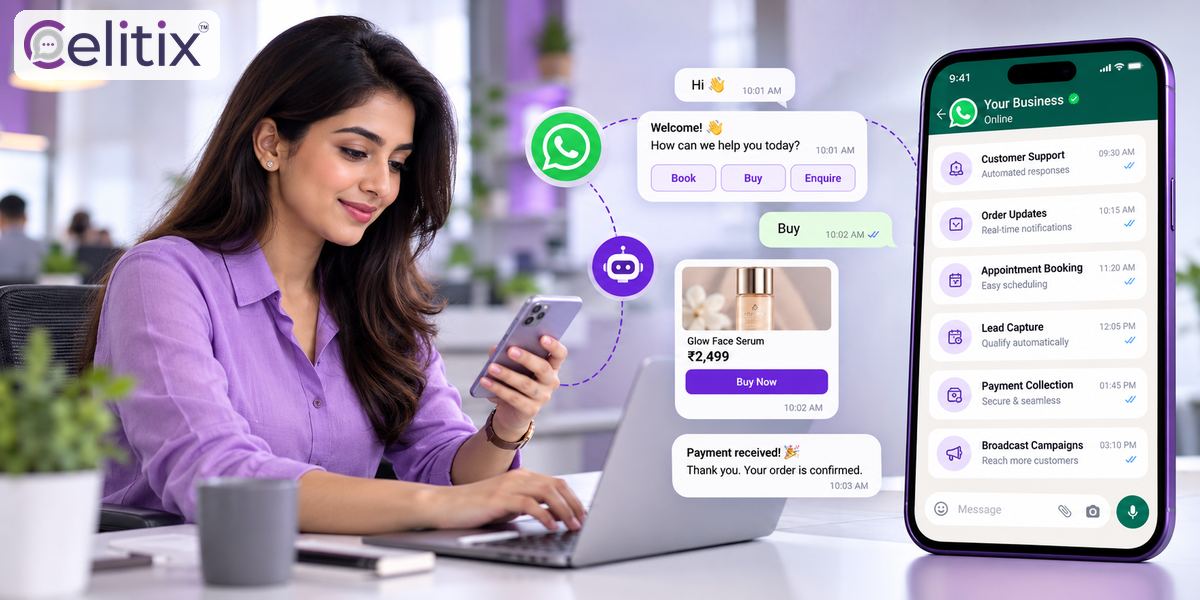
A tracking link lands better than a read-out address, and a payment link is impossible to deliver by voice. The strongest call automation for support setups answer by voice and confirm by SMS or WhatsApp in the same flow, so the caller leaves with something they can tap.
Reduce call waiting time without adding agents
Queue time is a function of calls arriving and calls being handled. Most teams only attack the second half. To reduce call waiting time, the faster lever is usually to stop the call being made.
Send the update before they ask - a dispatch message removes an entire category of call.
Offer a callback instead of a queue - it moves the wait off the customer and smooths your peaks.
Answer the top question in the greeting - during a known outage, say so before the menu.
Route by caller history - a repeat caller on the same issue should not wait behind a new one.
Deflect to self service with a link - only where the answer genuinely is self serviceable.
Attempts to reduce call waiting time by making the menu longer do the opposite. Every extra level adds time for every caller, including the ones the menu was never meant to catch.
Call centre automation benefits you can actually measure
Most call centre automation benefits are quoted as deflection percentages, which is the easiest number to make look good and the least useful. These five are harder to fake.
Resolved without callback - What it tells you: Whether the answer actually worked. Watch out for: Deflection counted as resolution.
Average wait for calls that reach an agent - What it tells you: The real customer experience. Watch out for: Averages hiding a bad peak hour.
Repeat call rate in 48 hours - What it tells you: Quality of the automated answer. Watch out for: Measuring only the first call.
Abandon rate inside the flow - What it tells you: Where the design loses people. Watch out for: Counting abandons as deflections.
Agent time per resolved issue - What it tells you: Whether staff got harder work or just less. Watch out for: Headcount savings quoted alone.
Real call centre automation benefits show up as shorter waits for the calls that still need a person. If the automated flow is handling the easy half and the queue is unchanged, the design is deflecting rather than resolving. The regulations covering commercial voice calls in India are published at trai.gov.in.
Common questions
Will customers hate it?
They hate menus that hide the exit and repeat what they already said. They do not hate getting an answer in fifteen seconds at eleven at night. The design decides which one you built.
Do I need an AI voice bot?
Usually not to start. Number recognition plus a database lookup plus an SMS follow up handles most of the volume. Add conversational handling once the simple flow is working.
How long does it take to set up?
A single flow for one call reason is usually days rather than weeks. The slow part is agreeing what the automated answer should say, not building it.
What about callers who cannot use a keypad flow?
Keep the one-press route to a person and announce it first. Accessibility is the reason that rule exists, not just impatience.
Can outbound calls be automated too?
Yes, for confirmations and reminders, within the permitted calling windows and with consent. Outbound reminders usually remove more inbound calls than any menu does.
Where to start with Celitix
If call automation for support is the next step, start with the one call reason filling your queue. Celitix runs outbound dialer and click to call alongside bulk SMS, two way SMS and WhatsApp Business API on one CPaaS platform, so the voice answer and the text follow up sit in the same flow.
Add a WhatsApp chatbot, website live chat and CRM integrations as the queue shifts off the phone. Sector examples sit on the retail and ecommerce and healthcare pages, and pricing will size it against your call volume.
Book a free Celitix demo